AMD Rolls Out New Ryzen Chipset Driver 8.01.20.513
AMD has pushed out a fresh update for its Ryzen™ chipset drivers, landing at version 8.01.20.513, and it’s mainly focused on tightening things up under the hood. While this isn’t a flashy update packed with new features, it brings a handful of important tweaks that help Ryzen‑powered systems run a little smoother and more reliably.
These chipset updates usually fine‑tune how Windows communicates with AMD hardware — things like power management, system resource handling, and overall stability. Even if you don’t notice anything dramatic right away, these small improvements can make a real difference over time, especially for gamers, creators, and anyone running heavier workloads.

The new release also updates several individual chipset components, which can help clear up minor bugs or compatibility hiccups that users may have run into with earlier versions. AMD regularly refreshes these drivers to keep up with new BIOS updates, recently released CPUs, and ongoing Windows changes. In short, keeping your chipset driver current is one of the easiest ways to make sure your system stays stable and performs at its best.
Downloading and installing the update is straightforward — just grab it from AMD’s official support page, run the installer, and reboot when prompted. It’s a quick process that helps keep your Ryzen system in top shape.
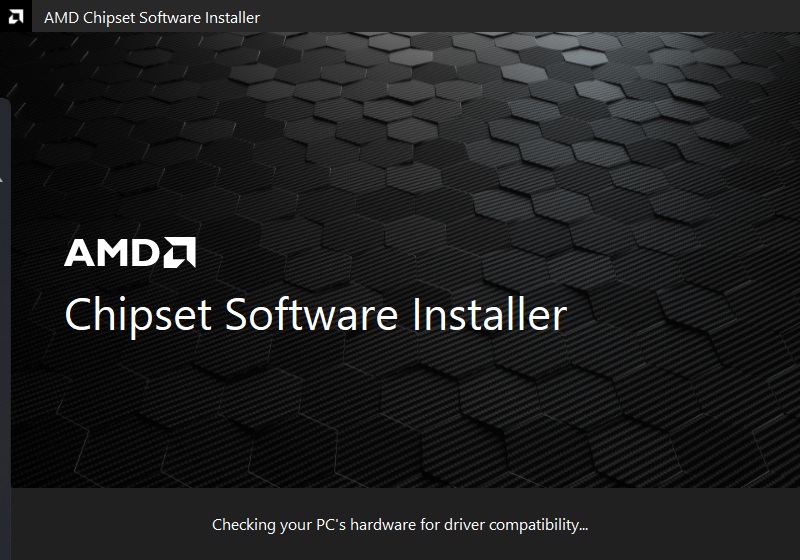
As AMD continues expanding its Ryzen lineup, updates like 8.01.20.513 show the company’s ongoing commitment to supporting both new and existing hardware. Even if the changes aren’t headline‑grabbing, they help ensure your PC stays reliable, responsive, and ready for whatever you throw at it.
Release Highlights
- Bug fixes included.
- Updated Install Shield software version.
- This package doesn’t include AMS Mailbox driver and S0i3 filter driver support.
Known Issues
- After installing the AMD Chipset Installer version “7.xx.xx.xx”, users cannot install version “6.xx.xx.xx” or earlier.
Workaround:- Un-install the latest version of the AMD Chipset installer (version 7.xx.xx.xx or later).
- Delete the “Qt_Dependencies” folder located at “C:\Program Files (x86)\AMD\Chipset_Software\”.
- Install any older version of the AMD Chipset installer (version 6.xx.xx.xx or earlier).
- On a non-English OS, some driver names may appear in English.
- Occasionally, Ryzen PPKG may not install or upgrade.
- AMS and S0i3 filter driver has issues on non-English OS
Chipset Support
| Windows 10 | Windows 11 | |
| AMD WRX90/TRX50 | Yes | Yes |
| AMD WRX80 | Yes | Yes |
| AMD TRX40 | Yes | Yes |
| AMD X870E / X870 | Yes | Yes |
| AMD B850 | Yes | Yes |
| AMD B840 | Yes | Yes |
| AMD X670E / X670 | Yes | Yes |
| AMD B650E / B650 | Yes | Yes |
| AMD X570 | Yes | Yes |
| AMD B550 | Yes | Yes |
| AMD A520 | Yes | Yes |
| AMD X399 | Yes | Yes |
| AMD X470 | Yes | Yes |
| AMD B450 | Yes | Yes |
| AMD X370 | Yes | Yes |
| AMD B350 | Yes | Yes |
| AMD A320 | Yes | Yes |
Processor Support
AMD Ryzen™ Chipset Driver 8.01.20.513 installation package can be downloaded from the following link: