A Guide to Choosing the Best Computer Case for Your Custom PC Build
Tips for finding the perfect computer case
Building your own custom PC can be an incredibly rewarding project, but it can also feel overwhelming due to the vast array of components and accessories available. One of the most critical decisions you’ll face is choosing the right computer case. In this guide, we’ll walk you through the process of finding the perfect computer case for your next build, providing detailed information to help you make an informed decision.
Pick the Best Computer Case Size
Let’s start by considering the size of the computer case. Computer cases come in various sizes, each offering unique advantages and disadvantages based on your requirements. Here’s an overview of the different sizes available:
1. Mini-ITX: These cases are the smallest and most compact, making them ideal for those who prefer a portable PC setup. While they have limited expansion options, they can still accommodate a small graphics card and a single hard drive or solid-state drive.
2. Micro-ATX: Slightly larger than Mini-ITX cases, Micro-ATX cases provide more room for expansion. They can accommodate additional hard drives and graphics cards while maintaining a compact size suitable for small spaces.
3. Mid-Tower: Mid-tower cases are larger than Micro-ATX cases and strike a balance between size and upgrade options. They offer ample space for multiple graphics cards, hard drives, and larger cooling systems.
4. Full-Tower: Full-tower cases are the largest option and provide the most extensive room for expansion and upgrades. These cases are perfect for those seeking a high-end PC with multiple graphics cards, numerous hard drives, and advanced cooling systems. They can even accommodate E-ATX motherboards, offering even more expansion options.
Your choice of case size depends on the components you plan to install and your personal preference. While a larger case offers more room for expansion, it may take up additional space on your desk. On the other hand, a smaller case provides portability but may have limited upgrade options.
Style of PC Case
Next, let’s explore the different styles of computer cases. The style you choose should align with your personal taste and complement the overall aesthetics of your PC build. Here are some popular styles to consider:
1. Traditional Tower: These cases feature a classic design with a tower-like structure, front panel, and multiple drive bays. They are available in various sizes and are an excellent choice for those who prefer a timeless and functional look.
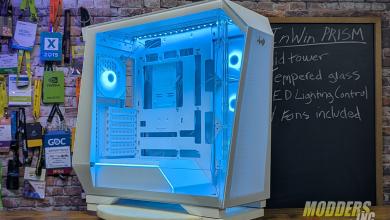
2. Gaming Cases: Designed with modern flair, gaming cases boast eye-catching designs and bold colors, and often emphasize RGB lighting. They may include features like tempered glass panels, cable management options, and support for additional fans and radiators. Gaming cases are perfect for those seeking a high-performance PC with a sleek and contemporary appearance.
3. SFF (Small Form Factor) Cases: SFF cases cater to compact builds and are available in Mini-ITX and Micro-ATX sizes. These cases have unique dimensions, shorter and wider than traditional towers, offering a distinctive look. They are an ideal choice for those who desire a compact and portable PC or prefer a case that occupies minimal desk space.
4. HTPC (Home Theater PC) Cases: Designed specifically for integration into home theater setups, HTPC cases feature a slim and sleek design reminiscent of traditional AV components. They are smaller than standard tower cases and are available in Mini-ITX and Micro-ATX sizes. HTPC cases blend seamlessly with your home theater setup.
5. Modular Cases: These cases prioritize easy customization and upgrade options. They often showcase a modern design, including modular drive bays, removable panels, and excellent cable management features. Modular cases are an excellent choice for those seeking a flexible and customizable PC.
The style of the computer case you choose should align with your personal preference and the overall look you desire for your PC build. Whether you lean toward a traditional aesthetic or prefer a modern gaming case or a compact SFF case, you’ll find a wide range of options to suit your needs and budget.
Showing 1–10 of 10 results
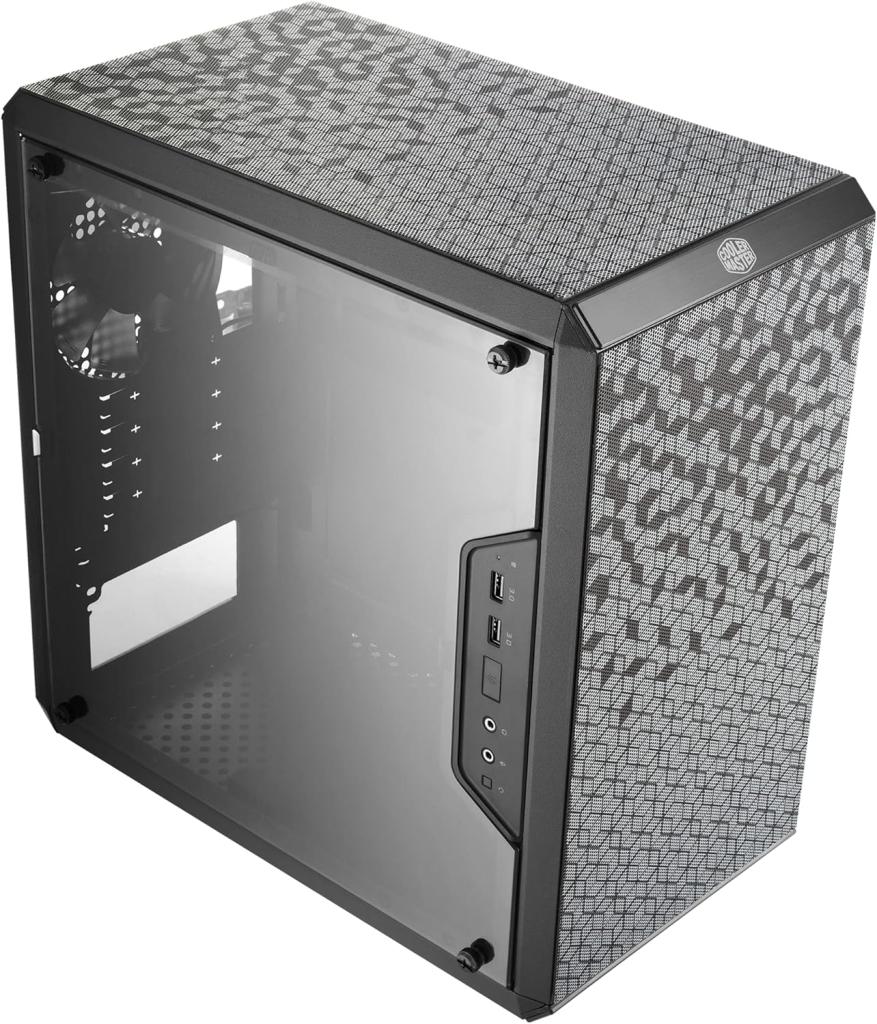
Cooler Master
Model: MasterBox Q300OL
Color:
Category: PC Cases
Features:
Components Clearance: Accommodates CPU coolers with a max height of 159mm, GPU cards up to 360mm, and PSU up to 160mm in length.
Versatile Cooling: Maximize cooling performance with a 240mm liquid cooler and 5 fans.
Modular I/O Panel: You have the flexibility to adjust its position at the front, top, or bottom on both sides

CORSAIR
Model: 4000D RS ARGB
Color: Black / White
Category: PC Cases
Features:
Fully-modular design for next-level customization
InfiniRail™ Fan Mounting System for easier building
Includes three RS120 ARGB performance fans
Dual 360mm radiator support
GPU anti-sag stabilization arm
Compatible with reverse connector motherboards including
ASUS BTF, MSI PROJECT ZERO, and GIGABYTE PROJECT STEALTH
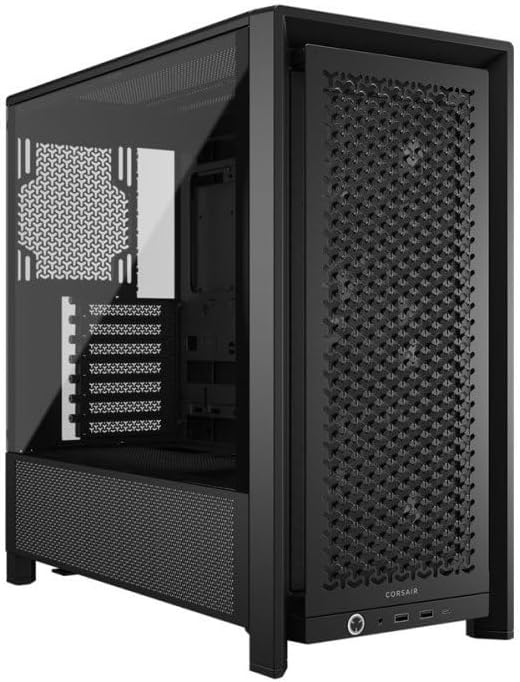
CORSAIR
Model: 4000D RS Frame
Color:
Category: PC Cases
Features:
3x CORSAIR RS PWM Fans – High-performance fans pre-installed in the front of case. Support daisy-chainable 4-pin PWM connections and Zero RPM mode for near-silent operation at low loads
CORSAIR InfiniRail Fan Mounting System – This steel multi-point mounting system offers unmatched flexibility in front and roof fan configuration. Simply slide the rail to mount fans up to 200mm (140mm in the roof) wherever you like, ensuring targeted airflow without fixed mounting constraints
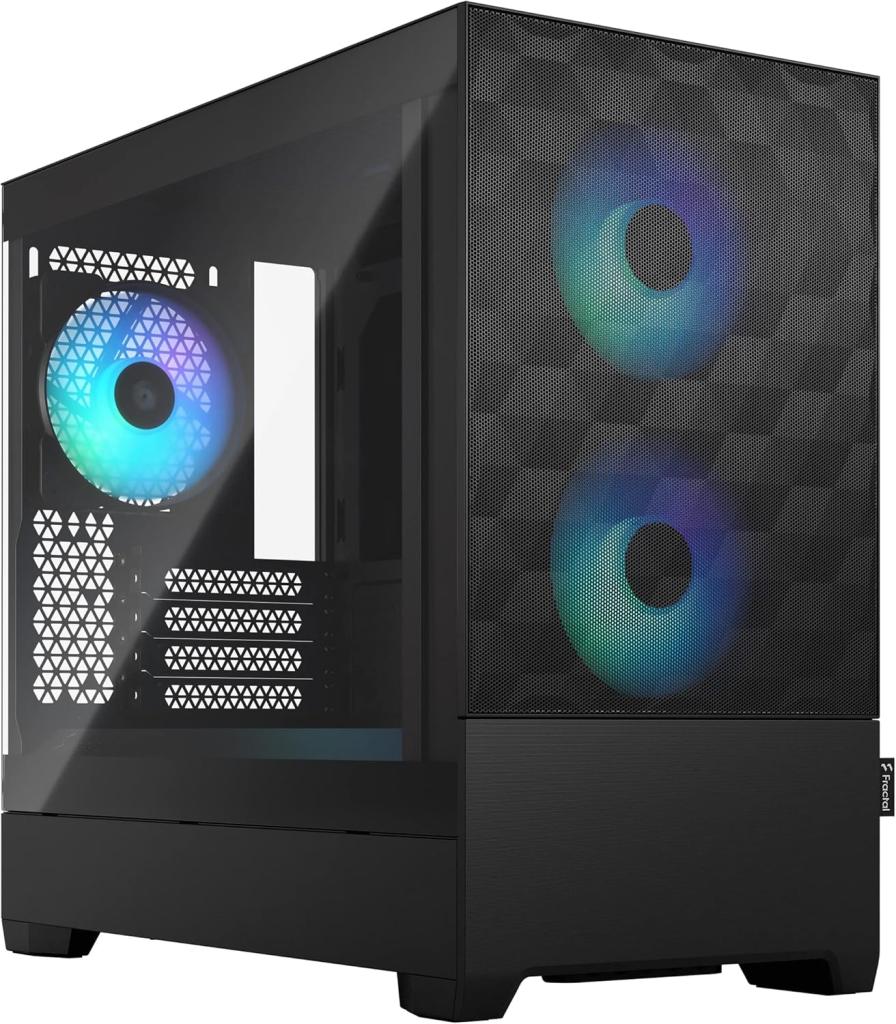
Fractal Design
Model: Pop Mini Air RGB
Color: Black
Category: PC Cases
Features:
Easily mounted tempered glass side panel
Up to two HDDs and six SSDs (or one HDD and five SSDs with one optical bay in use)
Comes with three 120 mm Aspect RGB fans (and supports two more for a total of five)
Holds radiators up to 240 mm in the front, 240 mm in the top and 120 mm in the rear
Two neatly concealed 5.25” bays with storage drawer and magnetic cove
Fractal Design
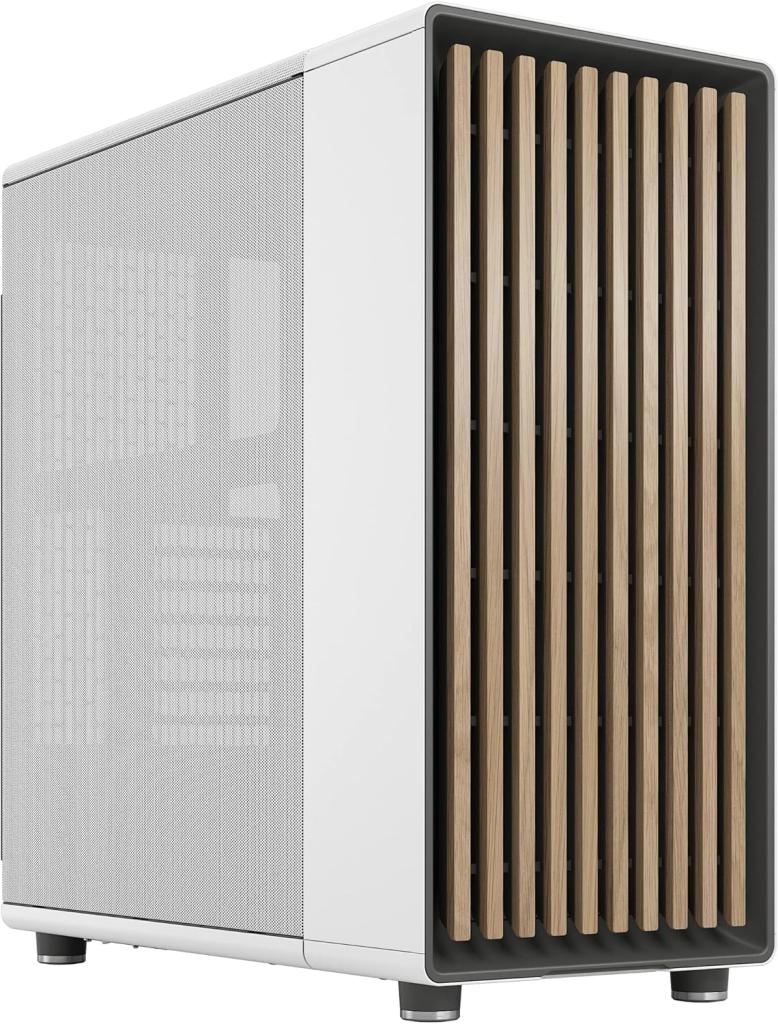
Model: North
Color: White / Black / Wood
Category: PC Cases
Features:
Designed for ATX / mATX / ITX motherboards
Enjoy natural ventilation through an open front and stylishly integrated mesh.
Choose a GPU up to 355 mm, or up to 300 mm with a 360 mm front radiator
Get a head start on your build with the two included 140 mm Aspect PWM fans
LIAN LI
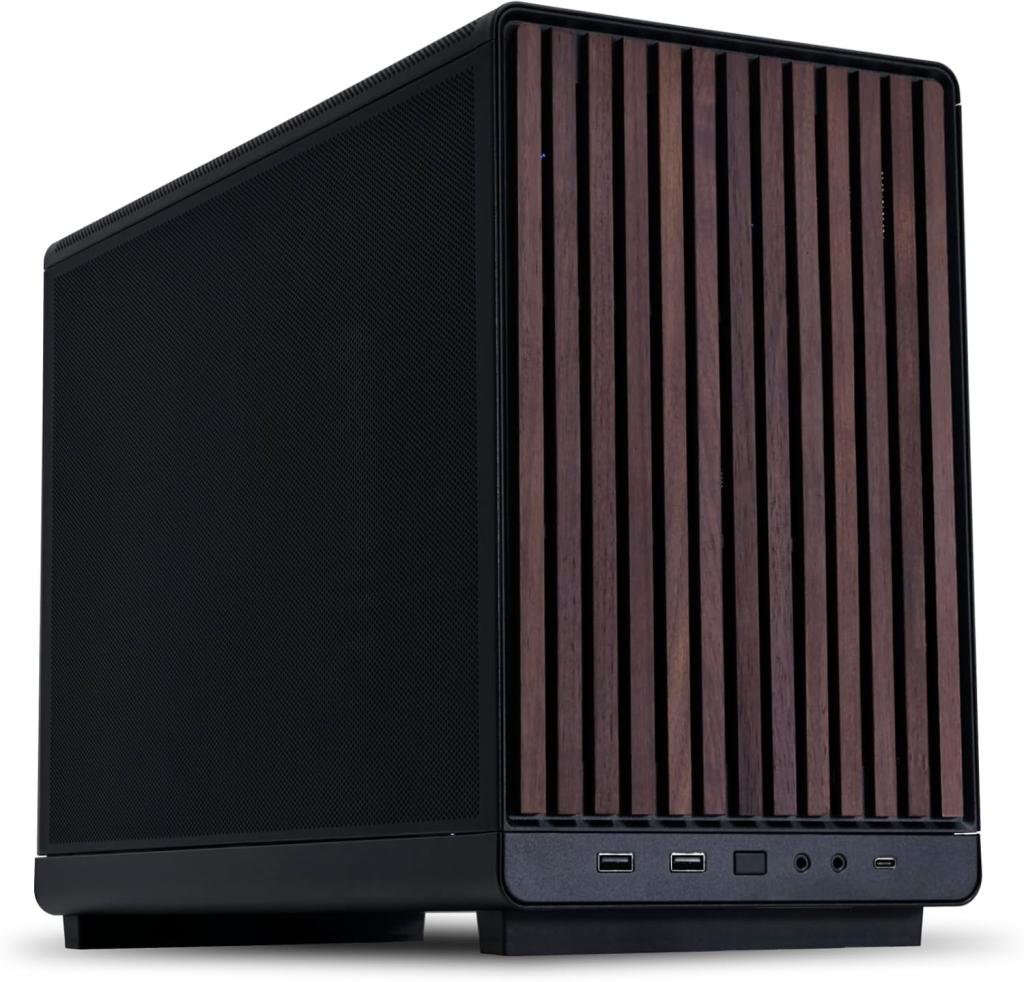
Model: A3-mATX-WD-26.3L
Color: Black / Wood
Category: PC Cases
Features:
Supports ATX/SFX/SFX-L and Lian Li Edge power supply that can be mounted sideways or frontways
Side and top panels are designed with steel mesh
Wood front panel
Accommodates M-ATX and ITX motherboard with 4 slots 415mm large GPU
Supports up to 360 radiator and 10 x 120mm fans
LIAN LI LANCOOL
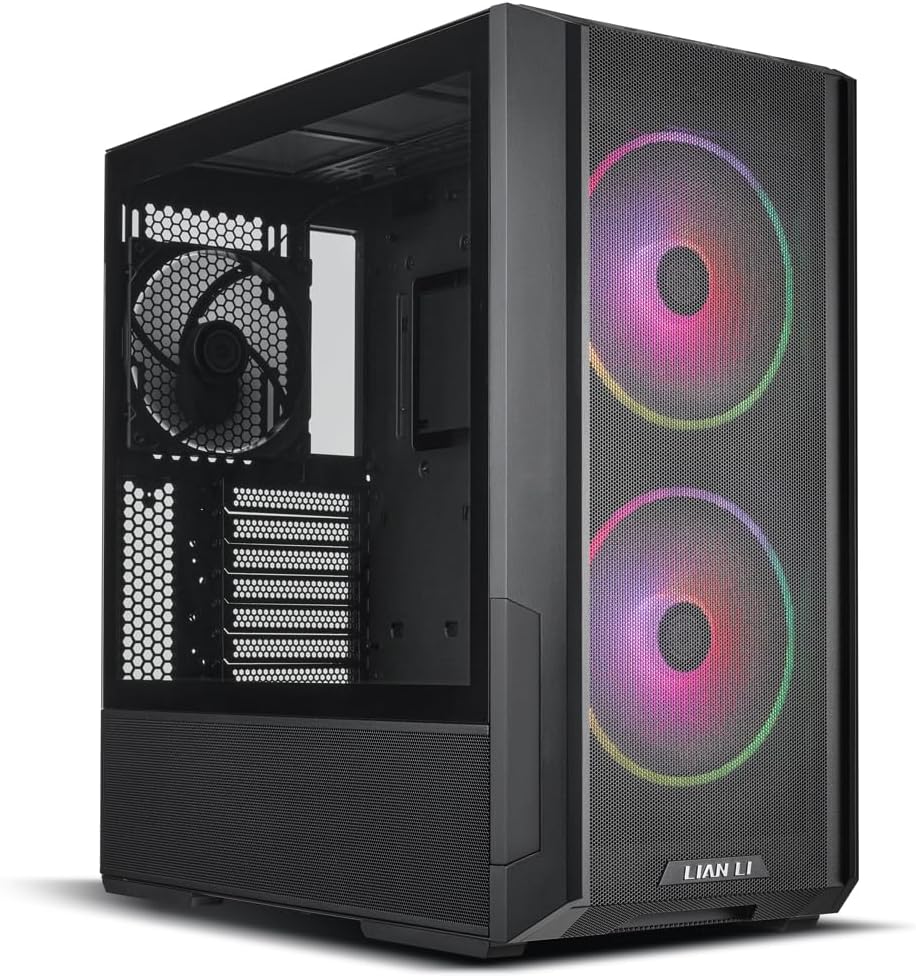
Model: 216
Color: Black
Category: PC Cases
Features:
Airflow Focus RGB Gaming Computer Case with All-Around Mesh Panels
2x160mm & 1x140mm PWM Fans Pre-Installed
Innovative Rear PCIe Fan Bracket Chassis
MUSETEX
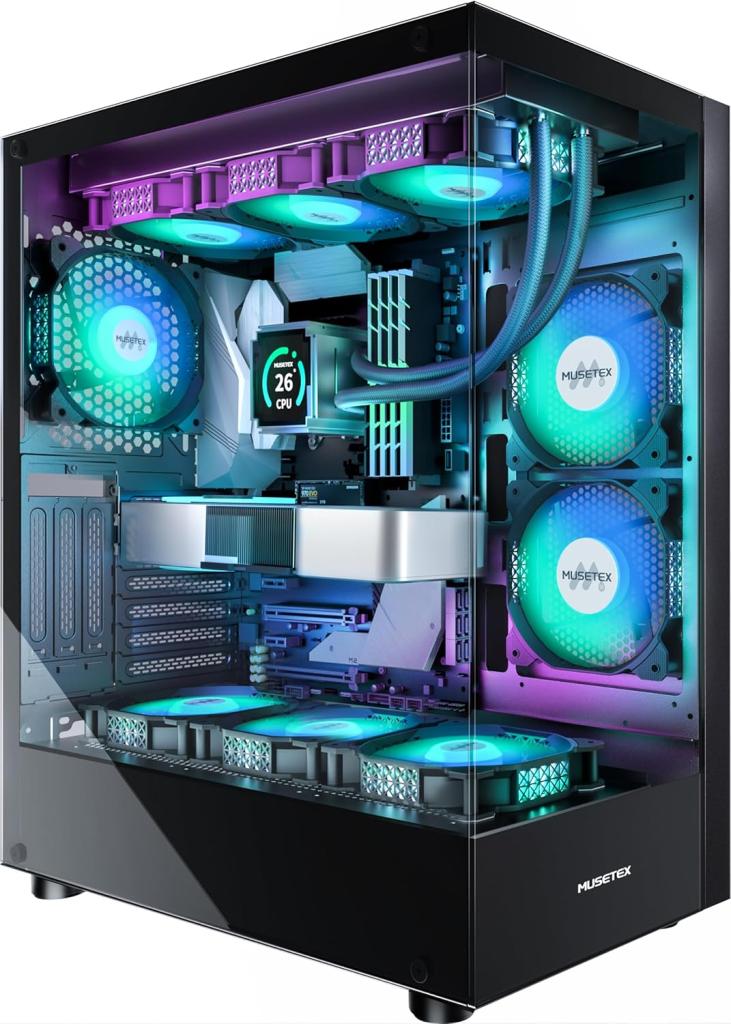
Model: Mid Tower
Color: Black
Category: PC Cases
Features:
The 270° fully transparent dual tempered glass panel
Compatible with most mainstream hardware in the market,support GPU up to 420mm(16.54\\\")
CPU cooling height up to 178mm
Support for top mounting up to 360mm liquid RAD
NZXT
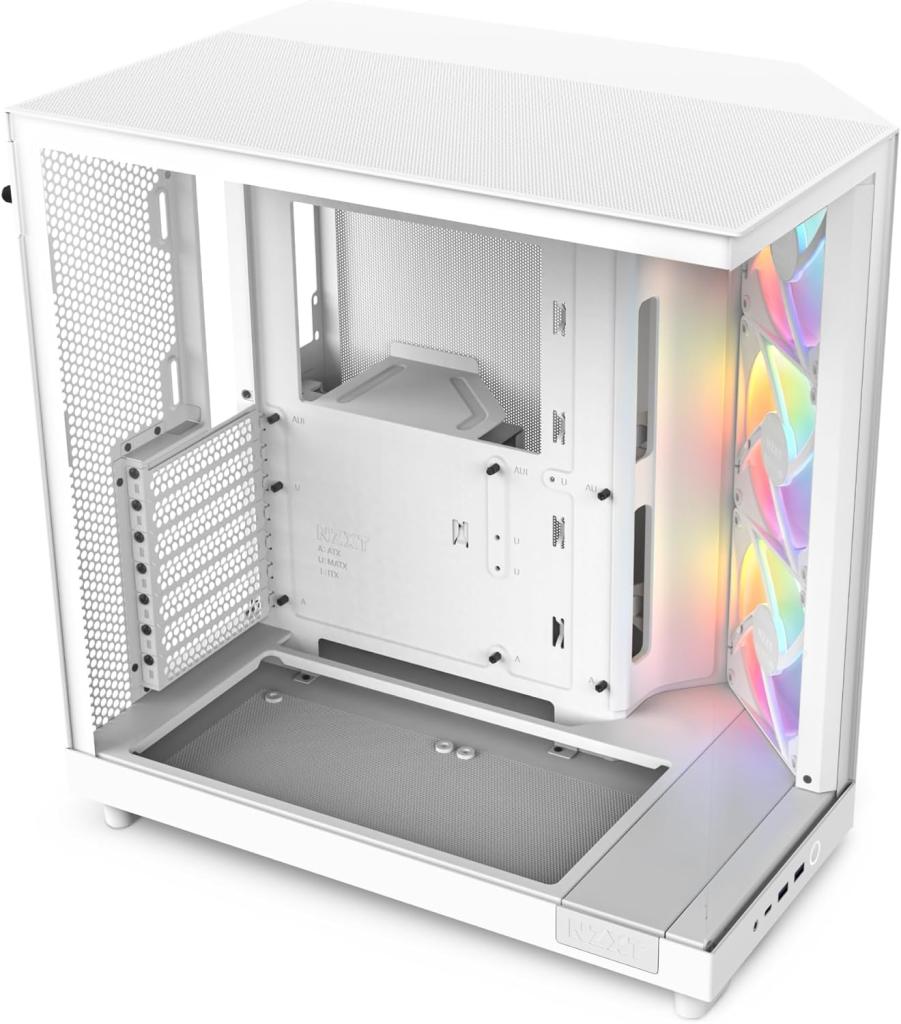
Model: H6 Flow RGB
Color: Black / White
Category: PC Cases
Features:
Compact dual-chamber design improves overall thermal performance and creates a clean, uncrowded aesthetic.
Includes three pre-installed 120mm RGB fans positioned at an ideal angle for optimal out-of-the-box cooling and vibrant RGB lighting.
The top and side panels feature an airflow-optimized perforation pattern to enhance overall performance
An intuitive cable management system simplifies the build process
NZXT
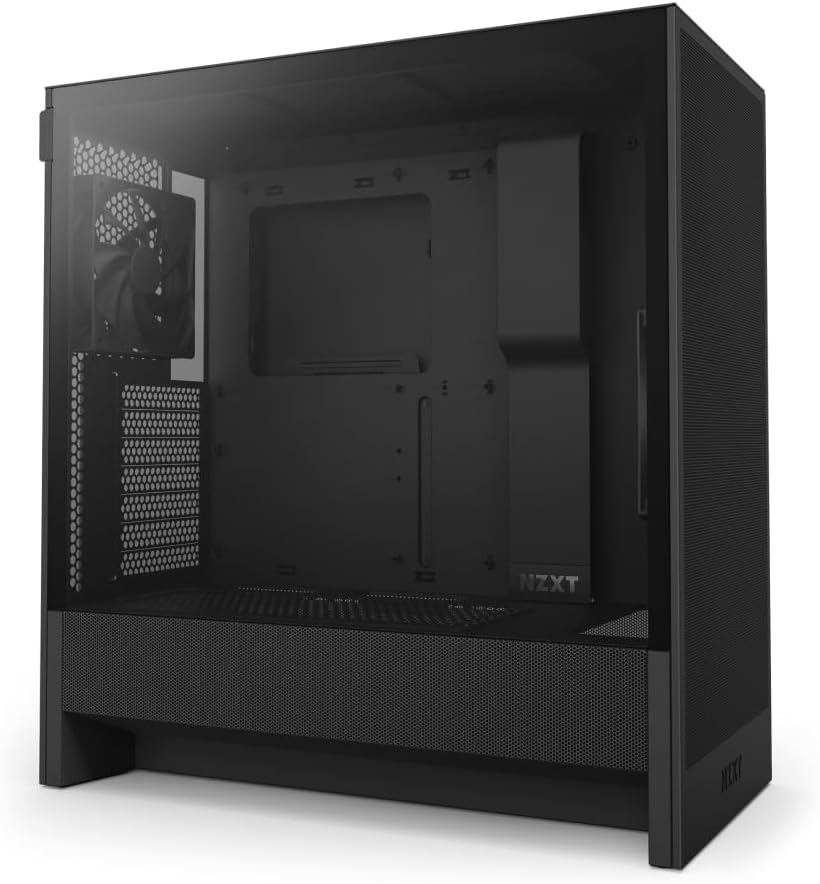
Model: H5 Flow
Color: Black / White
Category: PC Cases
Features:
Keeping it cool
Considering the cooling options is another crucial aspect when selecting a computer case. Proper cooling is essential for maintaining optimal performance and preventing overheating. Here are key factors to consider:
1. Airflow: Good airflow is critical for keeping your components cool. Look for a case with efficient airflow and enough room for additional fans if needed. Pay attention to fan placement, size, and speed, as these factors directly impact cooling performance.
2. Fans: Most computer cases come with pre-installed fans, but you might want to add extra fans for better cooling, especially if you plan to overclock your components. Consider the number and size of fans, as well as their placement within the case. High-end cases often offer additional features like fan controllers or RGB lighting, enhancing overall cooling performance.
3. Radiator Support: If you intend to use a liquid cooling system, ensure that the case has sufficient space to accommodate the radiator size you plan to use. Some cases even provide dedicated spaces for radiators, simplifying installation and improving cooling efficiency.
4. Cable Management: Effective cable management not only reduces clutter but also promotes better airflow within the case, leading to improved cooling performance. Look for cases with cable routing channels, grommets, and cable ties to facilitate neat and organized cable management.
Considering these cooling factors will help you choose a computer case that ensures optimal temperature regulation and prevents any potential heat-related issues. With proper airflow, adequate fan support, radiator compatibility, and cable management options, you can keep your components cool and running smoothly.
Pricing of a Computer Case
Price is another essential aspect to consider when selecting a computer case. Cases come in a wide price range, from budget-friendly options to high-end models. The price you pay depends on the case’s features and materials. Here’s a breakdown of different price categories:
1. Budget Cases: These cases typically cost less than $50 and are designed for basic PC builds. While they may have limited features and cooling options, they offer a suitable choice for those on a tight budget or building a PC for everyday use.
2. Mid-Range Cases: Falling between $50 and $100, mid-range cases strike a balance between price and features. They often provide better cooling options, more drive bays, and improved cable management, making them an ideal choice for those seeking a decent case without overspending.
3. High-End Cases: Priced above $100, high-end cases cater to high-performance PC builds. They often include features like RGB lighting, tempered glass panels, and support for additional fans and radiators. These cases are perfect for those who desire a sleek and modern-looking PC with top-notch performance.
4. Modular Cases: Modular cases, priced between $100 and up, tend to be more expensive due to their enhanced customization and upgrade options. If you seek a flexible and customizable PC, these cases provide an excellent choice.
Ultimately, the price of a computer case should align with your budget and the features you prioritize. Whether you’re looking for a budget-friendly option, a mid-range case, or a high-end model, there’s a diverse range of cases available at various price points. By considering your needs and budget, you can find the best computer case to suit your next PC build.
Finally, building a custom PC involves several crucial decisions, and selecting the right computer case is one of them. By carefully considering the size, style, cooling options, and price range that best align with your needs and preferences, you can choose a computer case that not only accommodates your components but also complements the overall aesthetics of your build.