PC Case Modding How To
Computer Case Cable Management
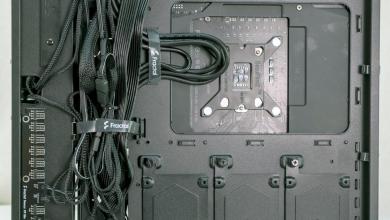
In case you may have not noticed I will point it out to you that I have been working my way from the back of the case (motherboard side) to the other side of the case. This is done this way as it is easier to work with the larger power cables and that once these are put into place they are rarely moved and then after that would be the hard drives.
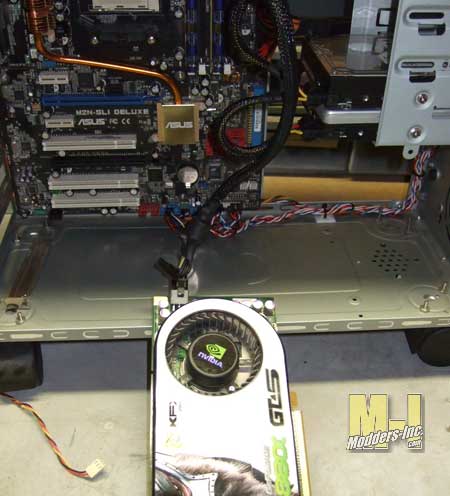
One of the items that probably get changed out the most is the video card and that will be the last one done, which we will do now. The card that I am using is a fairly large card at 10 inches long and it becomes a tight fit in this old case and that is why I chose it. The power cable plugs straight into the rear of the card and that creates more of a hassle, but we will overcome it.
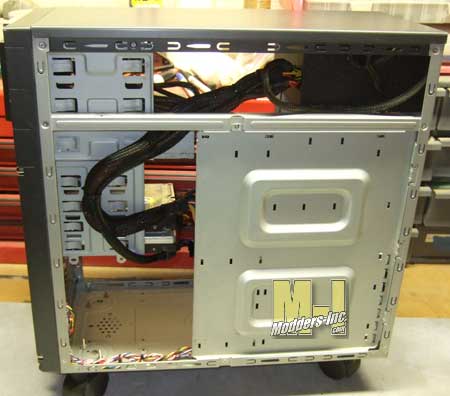
After the card was installed I looked around and found that the best place to hide the cable was to run it long the same route as the 24 pin power supply connector.
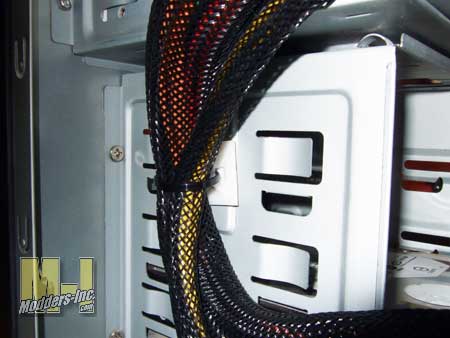
Out came the adhesive mounting block and a wire tie and the wires were taking care of.