GIGABYTE Force M63 Raptor Gaming Mouse Review
 To win in the game you need to customize your controls for maximum speed and comfort. It is very important to feel in control of your character whether you are playing an FPS game or an RPG. If you think all of the peripherals are equal in performance, comfort or customization; you are wrong. There are numerous types and styles of keyboards and mice available for purchase that have simple or complex functions. Choosing the right one for the job could be a tough decision. I will be taking a look at the newest mouse by GIGABYTE, Force M63. The GIGABYTE FORCE M63 is generally oriented towards hardcore gamers or players who love to compete. If you play online games, then you know what competition feels like and you know the best player with the best weapon most likely is the winner. The GIGABYTE FORCE M63 is a highly customizable mouse which is designed to perform and provide maximum comfort to its users.
The ergonomic shape of GIGABYTE FORCE M63 should allow its users to experience comfortable use for many hours at a time without a hand strain. GIGABYTE has packed this mouse with numerous features and customizations which are available at your fingertips. Let’s dive in to this mouse and see what it has to offer or what issues you might have with it.
Technical Specifications
| Interface | USB/ Wired |
| Tracking System | Pro-Optical |
| Sensitivity | 50~4000 DPI |
| Report Rate | 1000 Hz |
| Frame Rate | 6400 frames/ second |
| Maximum Tracking Speed | 60 inches/ second |
| Maximum Acceleration | 20G |
| Weight-Adjusting System | 1.8g~21.3g |
| DPI Switch | YES |
| Scrolling | Standard Scrolling Wheel |
| Switch Life (L/R click) | 10 Million Times |
| Dimension | (L)118*(W)71*(H)38 mm |
| Weight | 85g~107g (±5g) customizable |
| Cable Length | 1.8M |
| Color | Black-red |
| Packing Content | Tuning weights & case Users’ quick guide(English) |
| Software | GHOST Engine |
| OS Support | Windows XP 32bit/Vista / Win 7 /8 |
| Certificate | CE/FCC/BSMI/KCC |
Features
- 4000dpi Enhanced Optical gaming sensor
- Weight-adjusting system
- Sniper hotkey for precision shooting
- All keys are independently programmable
* The entire materials provided herein are for reference only. GIGABYTE reserves the right to modify or revise the content at anytime without prior notice.
* Advertised performance is based on maximum theoretical interface values from respective Chipset vendors or organization who defined the interface specification. Actual performance may vary by system configuration.
* All trademarks and logos are the properties of their respective holders.
* Due to standard PC architecture, a certain amount of memory is reserved for system usage and therefore the actual memory size is less than the stated amount.
Software and drivers can be downloaded from the GIGABYTE web site. Here is a direct link to the downloading section (Link)
 |
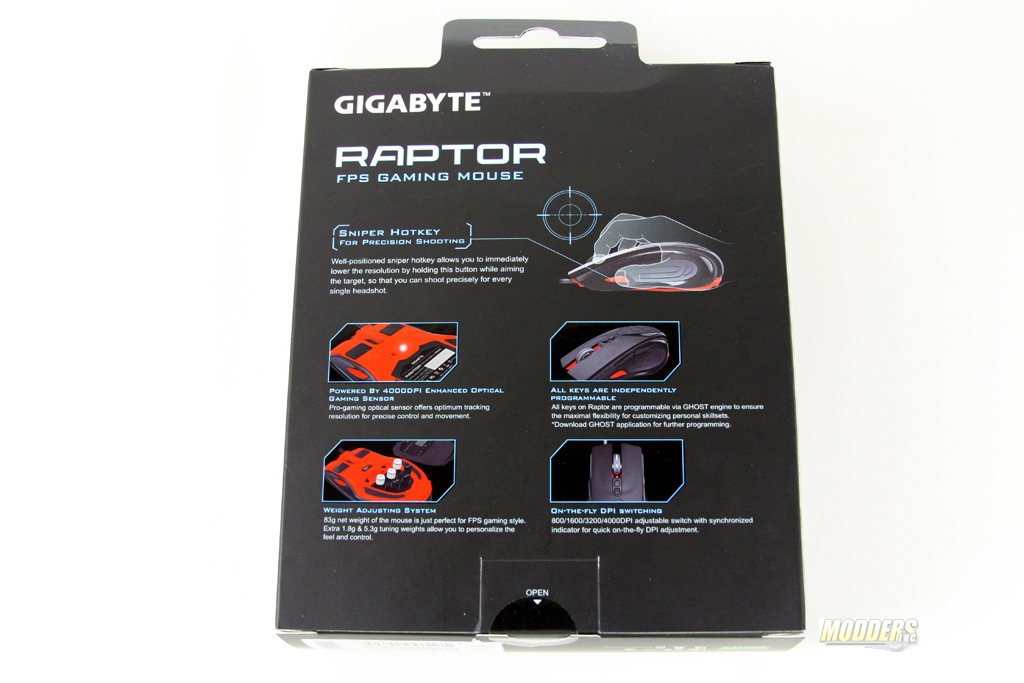 |
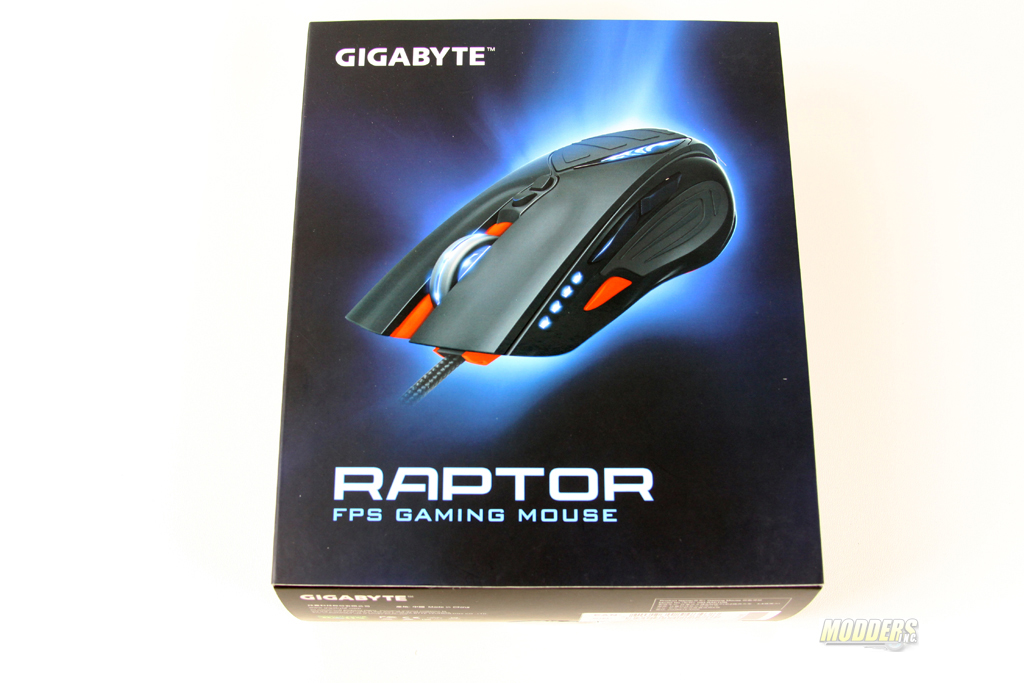
GIGABYTE spent a pretty good chunk of time designing the packaging for FORCE M63. What is surprising here is that the mouse is advertised as FORCE M63 however, there is not any references to it on the packaging. “RAPTOR” is shown on the packaging. FORCE is GIGABYTE’s elite brand which offers only premium products. I strongly think that if that is the case, this should be mentioned on the packaging. Overall packaging has great description on the FORCE M63. One of the signature features of FORCE M63 is “Sniper” hotkey. This key is set up to change the DPI (Dots Per Inch) of the mouse based on the configuration. So when you need your DPI changed, all you have to do is hold down this key and instantly your mouse will be changed to different DPI.
 |
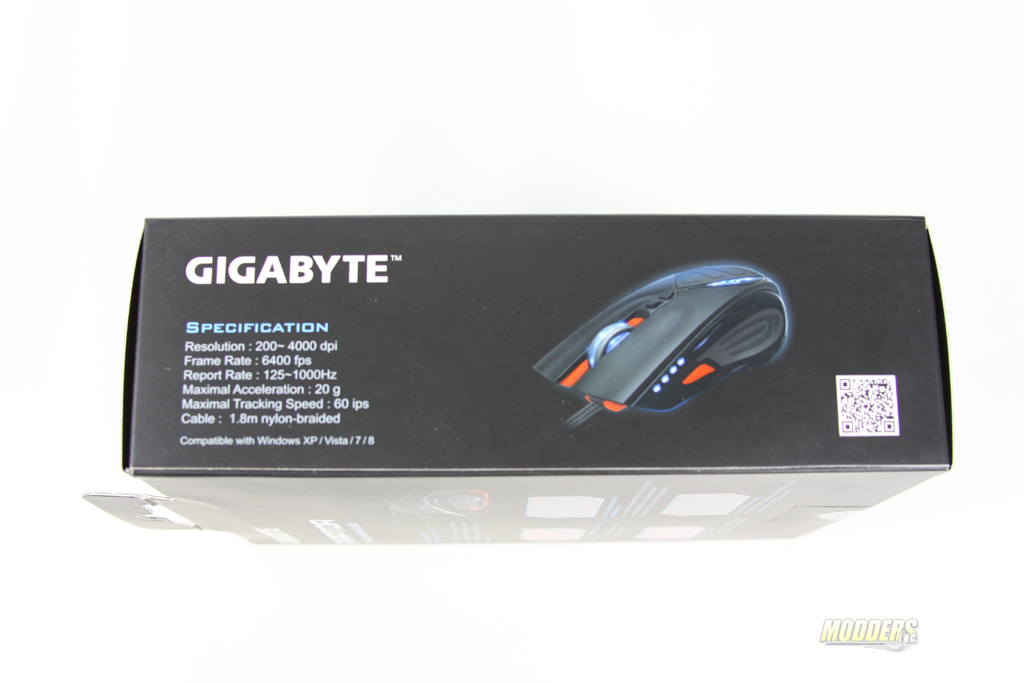 |
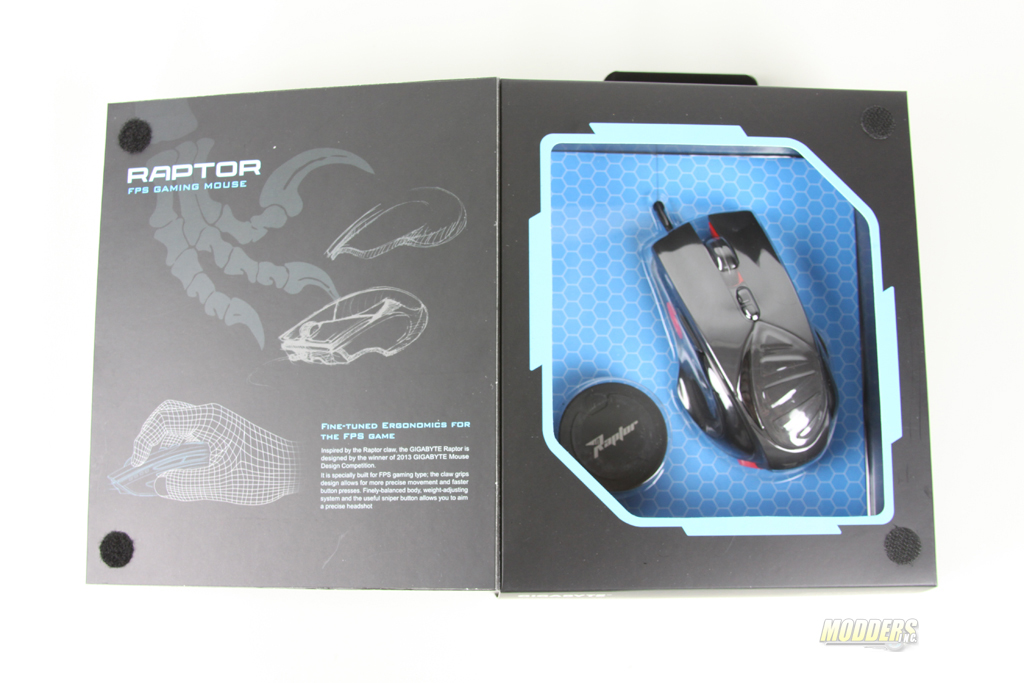
The packaging opens up like a book and presents a clear view of the mouse. What jumps out is the little container which contains a set of weights that could be used to modify the weight of the mouse. Looking around the packaging I found a list of features and specifications of the GIGABYTE FORCE M63 Raptor. Overall appearance of FORCE M63 is greatly represented within this package.
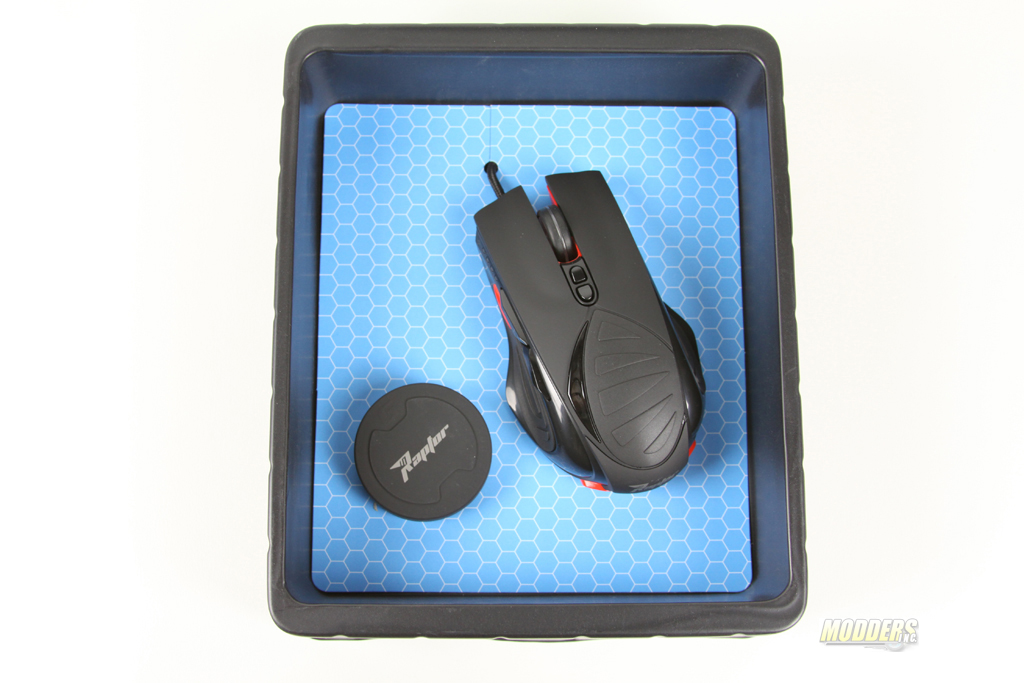 |
I do have to say I like the visual representation of the GIGABYTE FORCE M63. Everything is displayed nice and neatly with the USB cable hidden from view. As I have mentioned earlier, the GIGABYTE FORCE M63 Raptor comes with a set of weights (3×1.8 Grams and 3×5.3 Grams). To mod your mouse you can make it either really light or add some weight to it. The lightest weigh which could be achieved is 85g and heaviest is 107g (±5g).