NZXT Sentry 3 Touch Screen Fan Controller Review
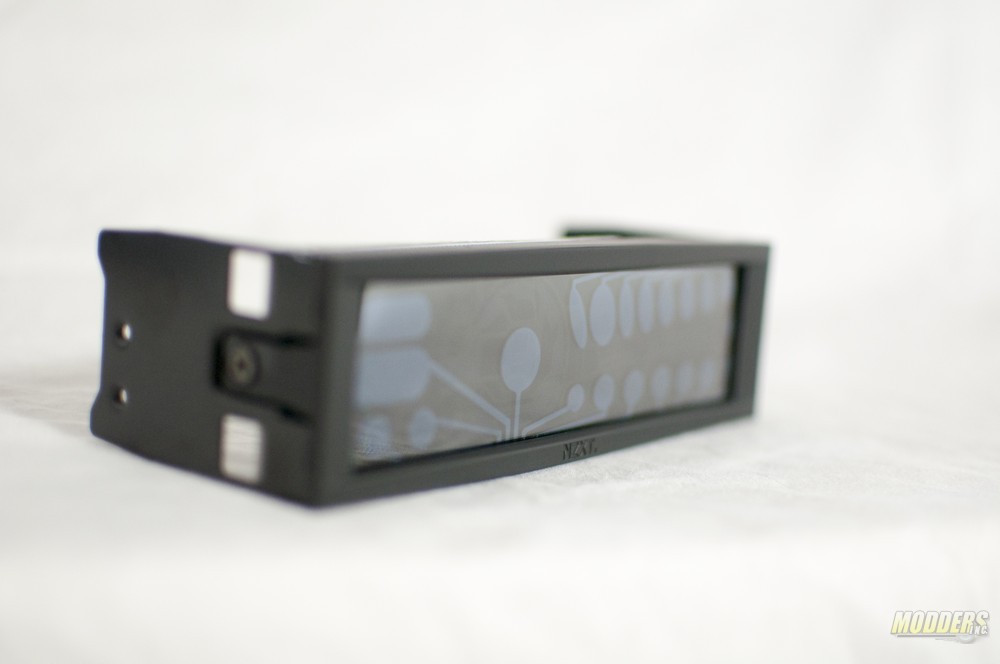 Few things are worse than having an excessively loud computer. Not only does it detract from the overall style of the computer, but it can be a serious nuisance to anyone in the same room as the machine. There are a few things one can do to prevent having an overly loud PC. You could either buy slow, quiet fans or you could purchase a fan controller. The second choice is probably best, as it allows you to ramp your fans up and get that much needed cooling power when you have a reason to use it, or keep your fans quiet when it’s not needed.
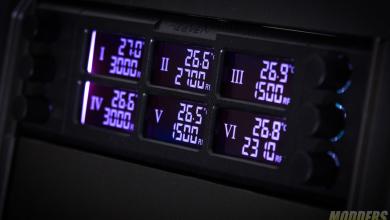
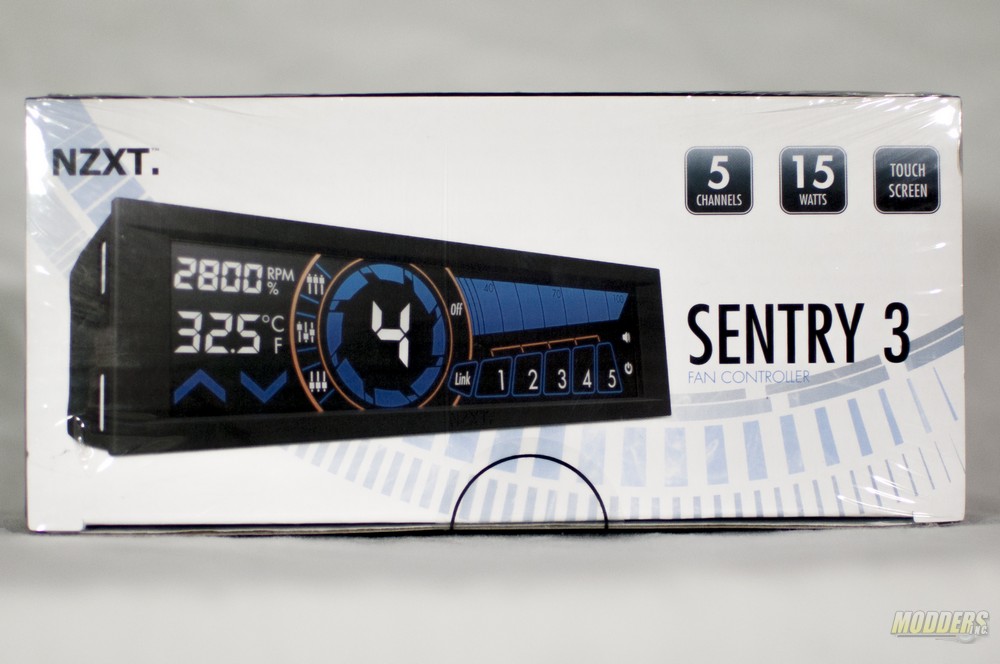 The Sentry 3 comes in a small cardboard box which is wrapped in clear cellophane. The front of the packaging features an image of the Sentry 3 in action. As you can see from the front of the packaging there are 5 channels with up to 15 watts per channel available to control your fans. In case you hadn’t figured it out, the Sentry 3 fits into an empty 5.25″ drive bay.
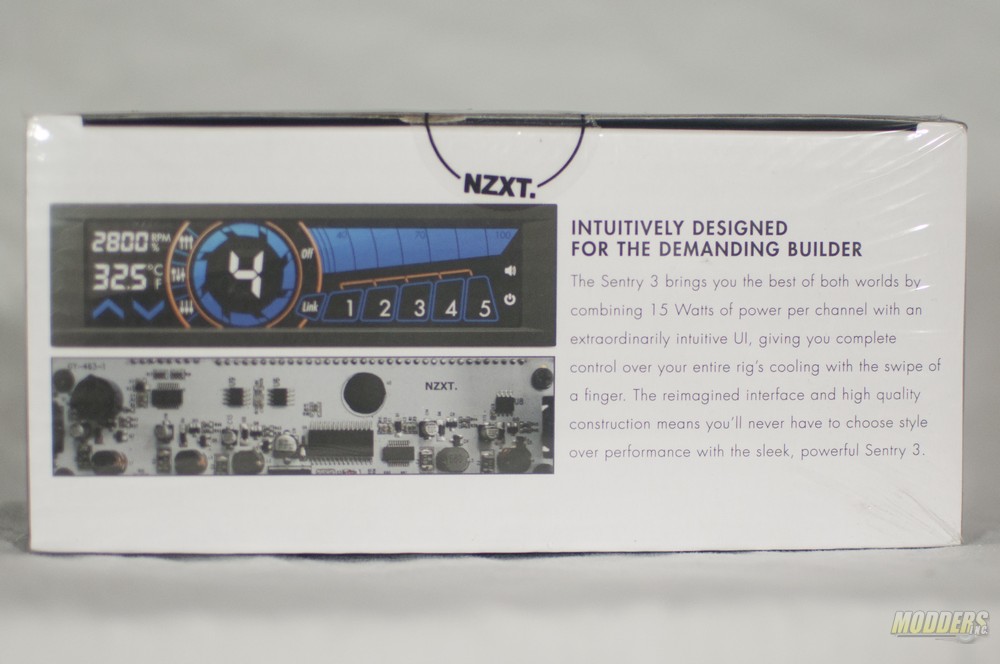 Spinning the box around, there are two graphics of the fan controller itself as well as a text blurb that outlines some of the features of the Sentry 3.
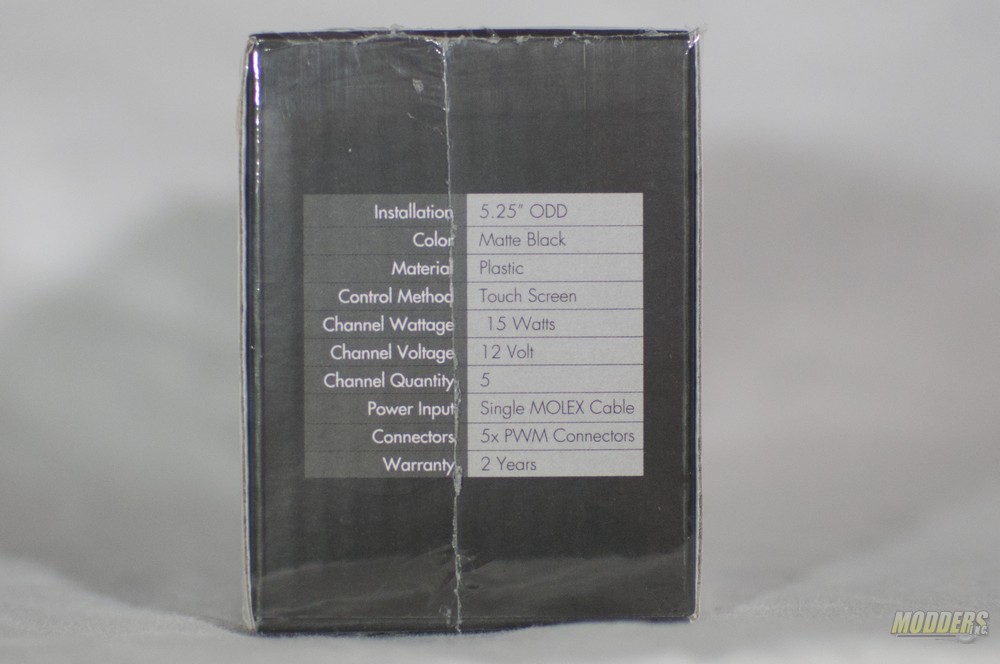 Lastly, the sides of the box have a specifications chart. One thing you’ll notice is that NZXT has decided to put a 2 year warranty on the Sentry 3. That’s a pretty lengthy warranty, so it should provide some peace of mind that you’ll have this fan controller for some time to come.
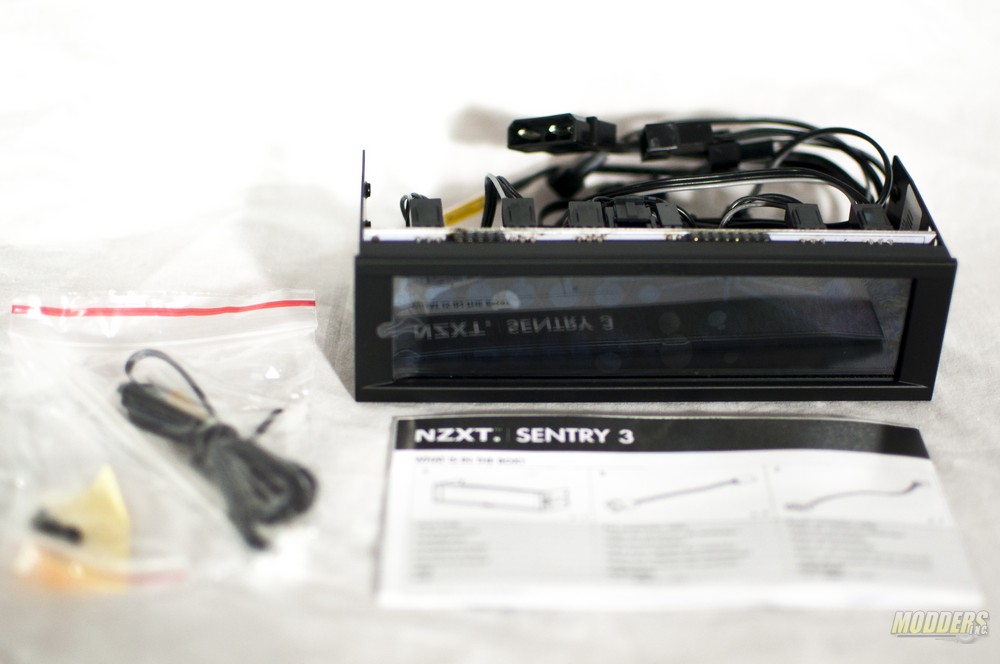 The Sentry 3 comes with a user manual, and an extra temperature sensor. The Sentry 3 comes with 5 pre-attached PWM fan connectors, which are removable when not needed.
Specifications
| Model Number | AC-SEN-3-B1 |
| Dimensions | 129mm x 31mm |
| Material | Steel, ABS Plastic, Capacitive Touchscreen, PCB |
| Fan Connector | 3-Pin or 4-Pin |
| Finish | Textured Injected Plastic |
| Included Accessories | 4x M3 Screws |
| Form Factor | Single Bay 5.25″ |
| UPC | 15671011923 |
| EAN | 5060301691173 |
| Connections | 1x Molex, 1x Temperature Sensor, 5x PWM Male Fan Connectors |
| Maximum Combined Wattage | 75 Watts |
| Brightness Levels | On / Off |
| Control Modes | Manual / Performance / Quiet |
| Fan Channel Quantity | 5 Channels |
| Fan Channel Wattage | 15 Watts |
| Temperature Range | 0 to 120°C |
| Minimum Power To Fans | 0% |
| Screen Size | 5.4 Inches |
| Screen Type | Capacitive Touch |
| Fan Control Method | Voltage |
| Warranty | 2 Years |


Thanks for the great review, it has helped me make my decision between this and the Bitfenix Recon. I’ll be buying the NZXT today!
Will it fit in Corsair carbide spec 01 case perfectly? Thanks !
What is the voltage supplied by this fan controller at minimum speed i.e. 40%?