Seagate NAS Pro DP-6 Network Attached Storage Review
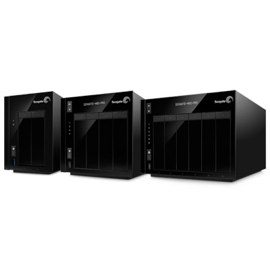 How much data do you have and how much storage space do you need? Are you a data hoarder? In addition and more importantly, are you protected against data loss in case of hardware failure? Network storage is no longer just about massive disk pools sitting on the network waiting to gobble up the vast amounts of 1’s & 0’s that users are feeding them. It is about simplistic management, good performance, and reliability. Seagate recently launched their line of their NAS series labeled NAS Pro. The Pro line is aimed at the higher end SOHO and small business markets. The Pro line also boasts good performance and reliability with 2, 4, & 6-bay NAS units available. And with their ever evolving NAS OS, users can house up to 30 TB of data in the 6-bay Seagate NAS Pro DP-6. All of the Seagate’s NAS can be ordered either with or without drives. The Seagate NAS Pro DP-6 is not meant to sit next to your TV and be a multifunction multimedia device, it is simply and for the most part, a pure network attached storage device.
[sc:sponsor sponsor=”Seagate” product_link=”http://www.seagate.com.edgekey.net/products/network-attached-storage/business-storage/seagate-nas-pro/” product_name=”Seagate NAS Pro DP-6″ product_price_link=”https://shop.seagate.com/store?Action=DisplayPage&Locale=en_US&SiteID=sgateus&id=ThreePgCheckoutShoppingCartPage” product_price=”$649.99 (empty) $1999.99 (24 TB)” ]
| Seagate NAS Pro 6bay 24 TB STDF24000100 |
|
| Capacity | 24TB |
| Width | 217.0mm |
| Length | 235.0mm |
| Height | 172.5mm |
| Typical Weight | 9010g |
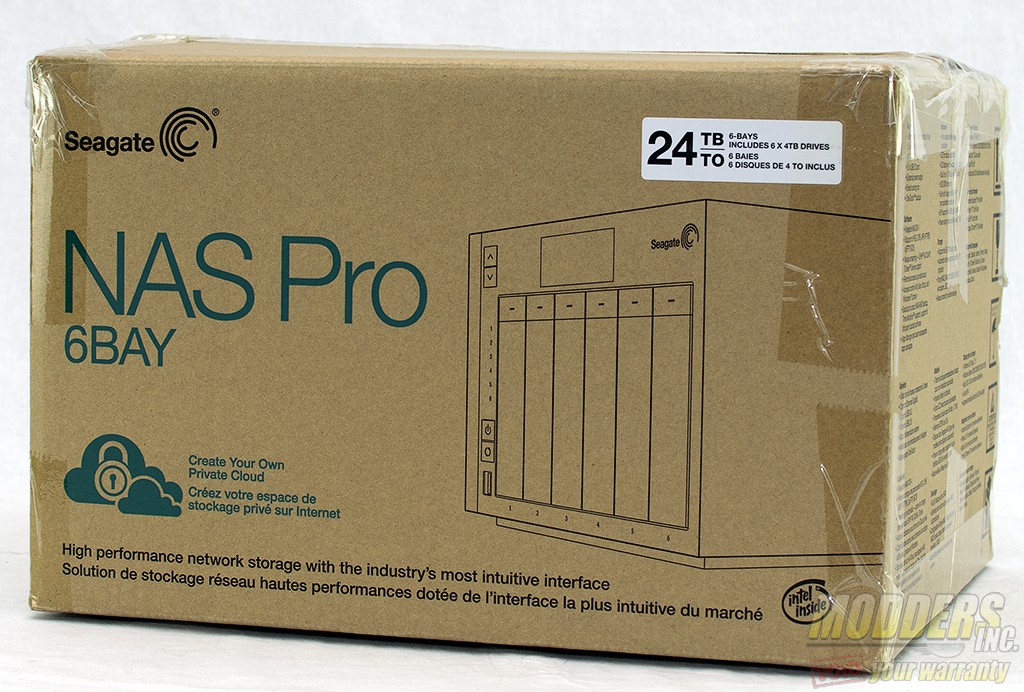 The Seagate NAS Pro DP-6 is designed for larger home offices and small to medium businesses, so you are not going to see flashy and fancy packaging. A very simple design with the specifications are printed on the outside of the box.
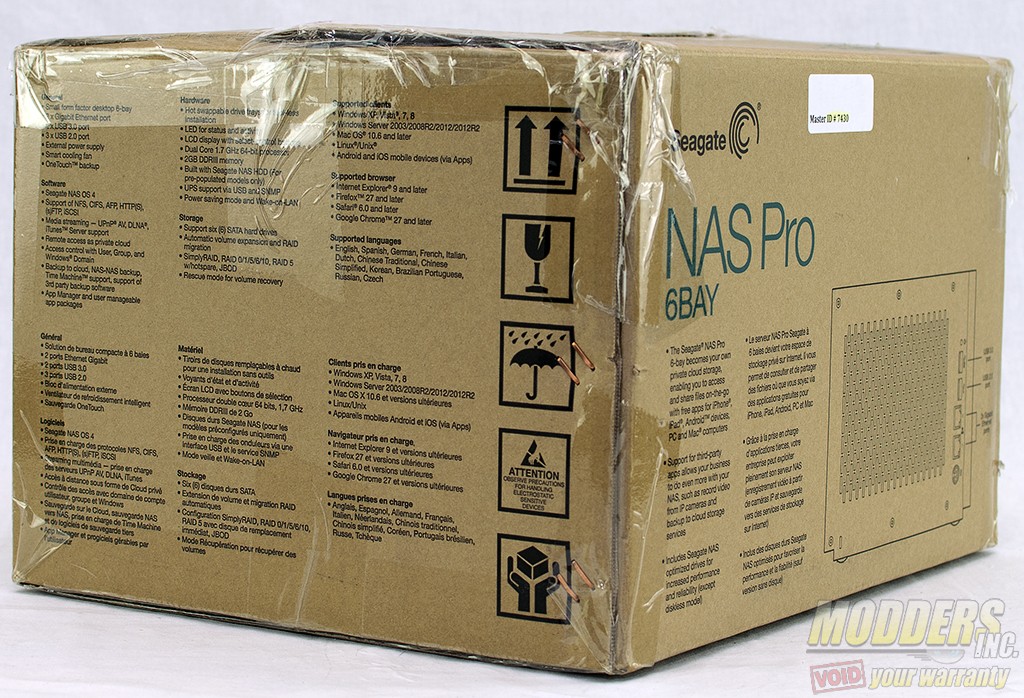 On the back of the box is a printed graphic of the back of the NAS device.
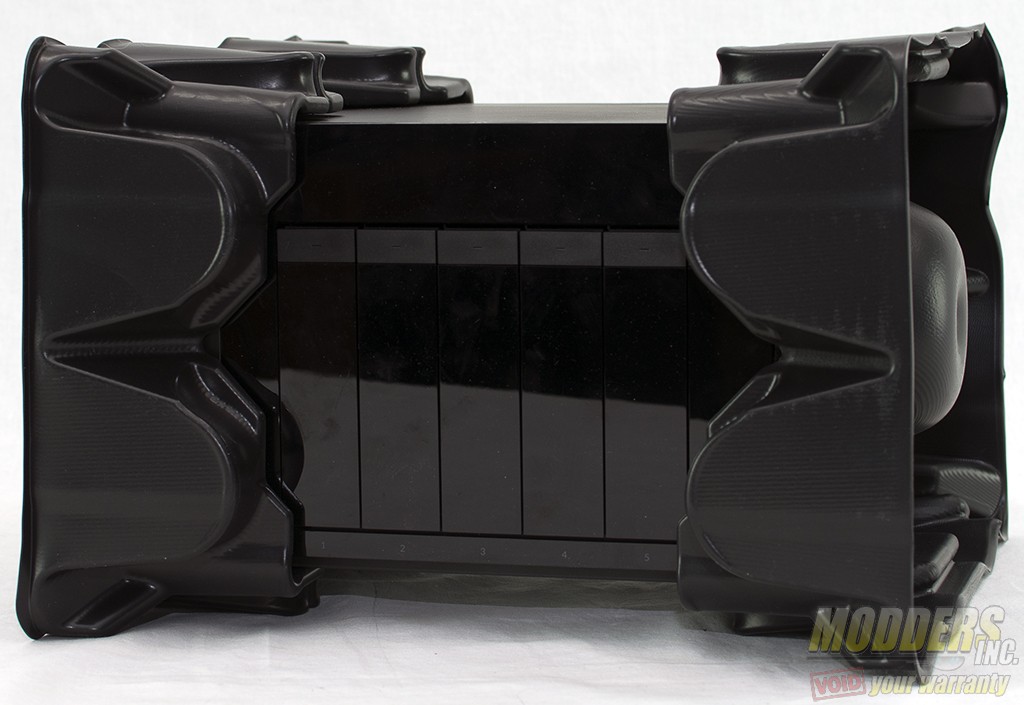 The Seagate NAS Pro DP-6 is encased in a rigid plastic frame that should keep it safe from bumps during shipping. Our unit came with six 4TB hard drives pre-installed. Seagate’s NAS Pro line can be ordered with no drives. The NAS can also be ordered with drives up to 5 TB in size.

Hi Tom, I have this unit and was wondering if in your opinion the so-dimm memory module could be upgraded to a larger size? Also do you know if the stock memory is ECC?
I have this NAS, and use it for shared video editing storage with 2 editing systems. I wanted to make it work a bit faster, so I bonded the two Ethernet plugs into one “load balancing” 2Gb/s connection.
I got a Netgear GSS116E – ProSAFE 16-port Gigabit Click Switch specifically because it was able to do port aggregation.
The whole experience turned into a massive pain. I plugged the NAS into two of the switch’s ports and configured the switch to link those two ports together. It wouldn’t work. Eventually, I just tried moving the cables over to NON-aggregated ports on the switch, and the NAS popped right up on the network. I don’t know if the NAS and the GSS116e don’t have compatible port aggregation or what, but it just didn’t work. I do know that the GSS116e only does “static LAGs,” not LACP. According to the NAS’ monitoring info, it is putting out over 200MB/s (>1.6Gbps) with two plain old, unlinked gigabit ethernet ports.
So before you spend the money on a new network switch, try it out with what you have, just linking the ports in the NAS and plugging them into a dumb gig-e switch. That’s the only way I could get this to work.