GIGABYTE XM300 GAMING MOUSE REVIEW: One Size Fits Many
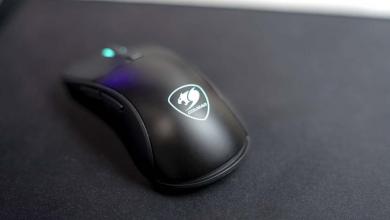
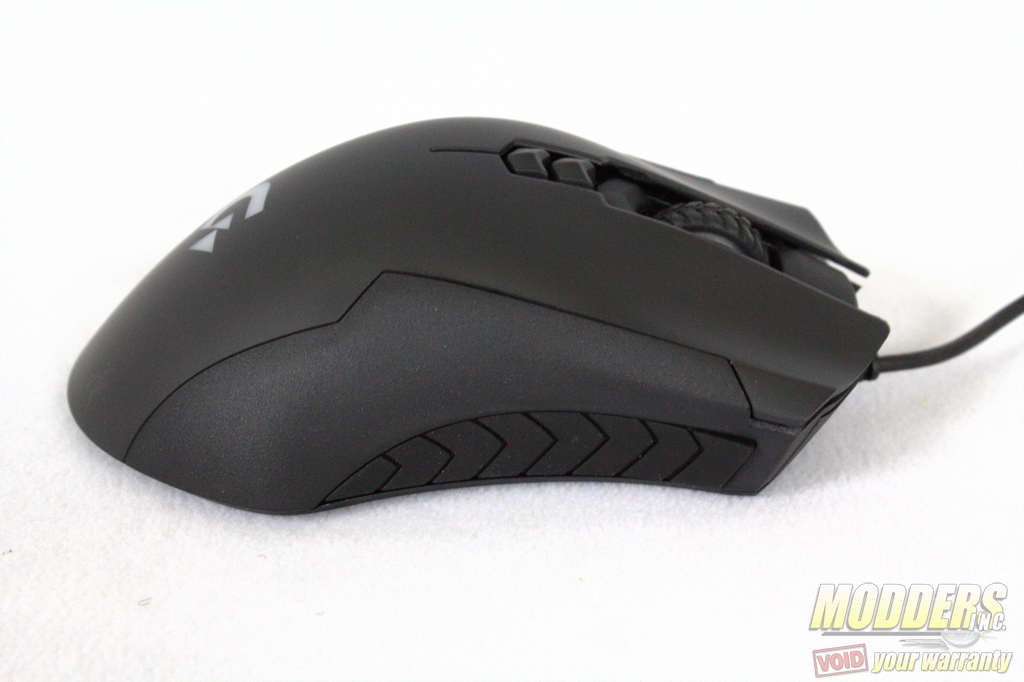 When it comes to gaming or general computer usage, the type of mouse you have can greatly impact your gaming experience. You may have a preference for a grip type or sensitivity and this could make it tough to find the right gaming mouse or the right type of custom setting for a gaming mouse. Gigabyte has added the XM300 to their lineup of gaming mouses as a simple and sleek looking type of device. The shape of the Gigabyte XM300 resembles some that of an office use mouse as well with the skin of a gaming mouse. According to the packaging this mouse can be adjusted up to 6400 DPI (Dots Per Inch) in sensitivity and should be comfortable with various types of grips without having to swap components around.
Specification
| Interface | USB |
| Tracking System | Gaming Optical Sensor |
| Sensitivity |
50~6400dpi with 50dpi increments (Default: 800/1600/2400/3200 dpi) |
| DPI Switch | YES |
| Scrolling |
Standard (3D) |
| Frame Rate |
Up to 12500 frames/second |
| Maximum Acceleration | 50g |
| Maximum Tracking Speed |
200 inches/ second |
| Switch Life (L/R click) |
20 million times |
| Certificate |
CE/ FCC/ BSMI/KCC |
| Color | Black |
| Cable Length |
1.8m matt black PVC cable / Gold-plated USB connector |
| Dimension |
(L)130.0*(W)60.0*(H)43.0 mm , width: the length between 2 rubbers |
| Weight |
101g (+-3%) without cable |
| Packing Content |
2 sets spare mouse feet |
| Support OS |
Windows 10/8/7 |
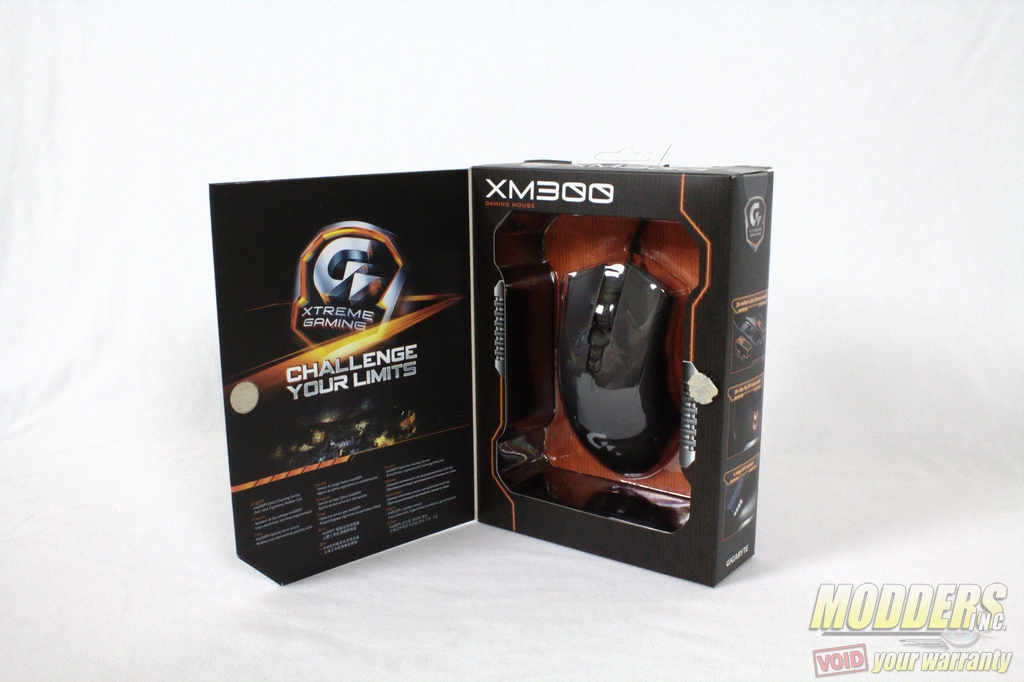
The packaging is a visually appealing black and orange theme. Opening the cover of the Gigabyte XM300 box reveals a window showing the top of the XM300 and a Gigabyte Xtreme Gaming emblem on the left flap.
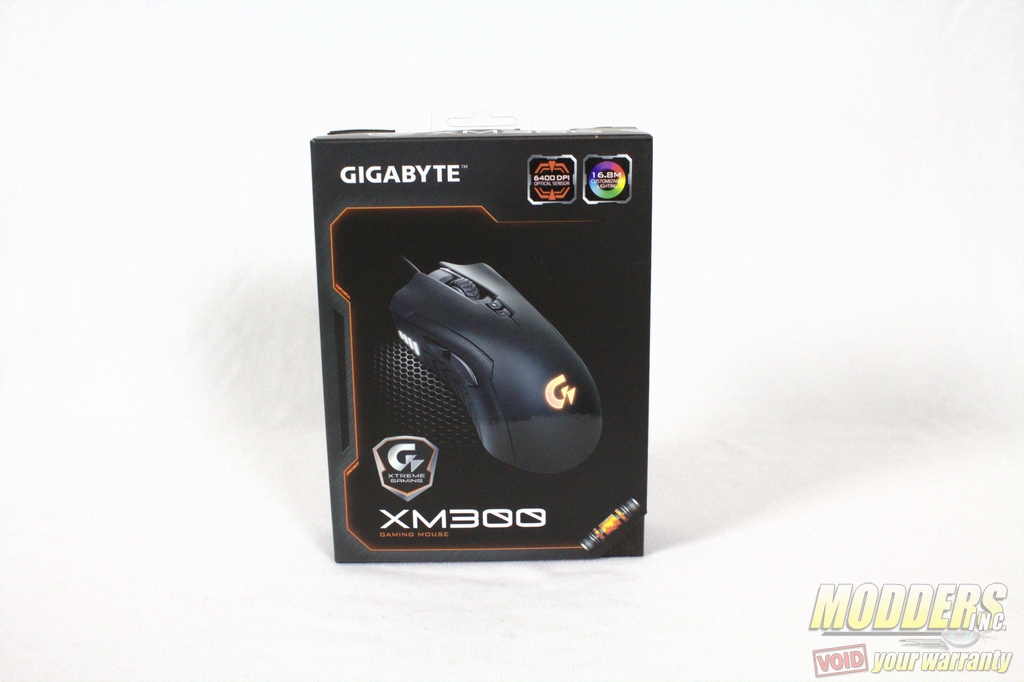
The cover of the Gigabyte XM300 when closed advertises the 6400 DPI optical sensor as well as the 16.8 million colors available for the led light. On the left and side of the box, Gigabyte shows their Omron switches, variable DPI controls, and other features. The rear of the box is a breakdown of the specifications and key for each part of Gigabyte XM300.
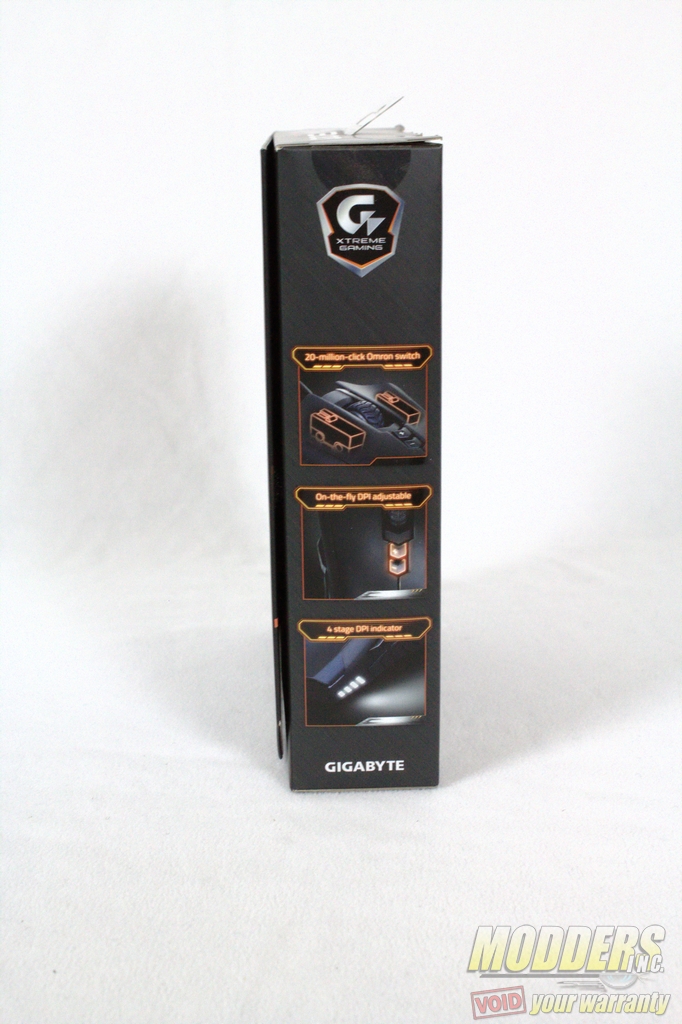
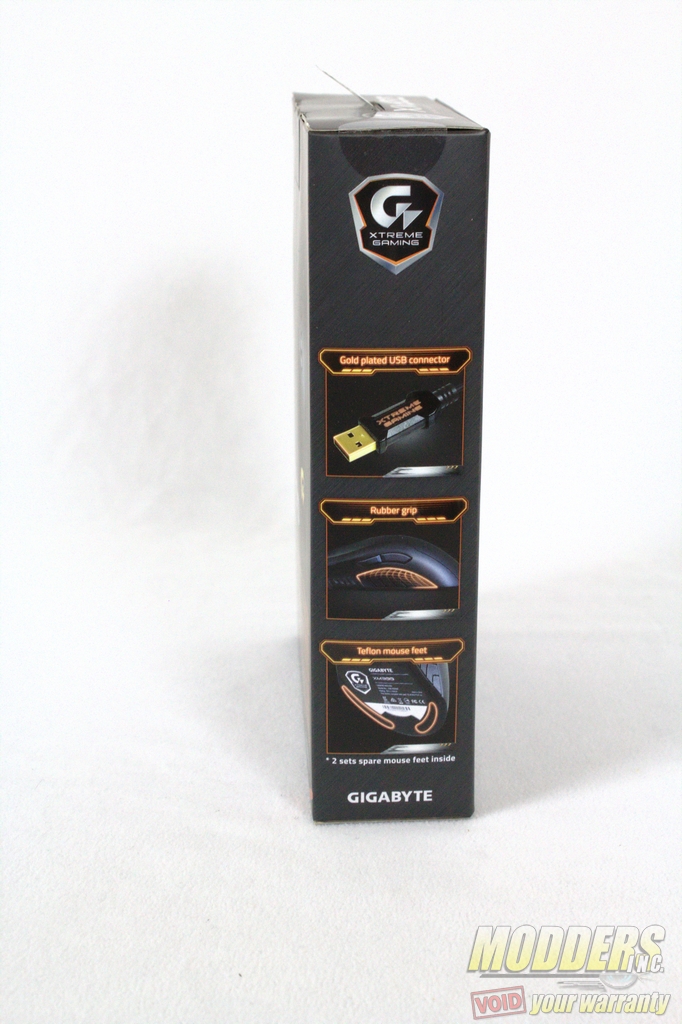
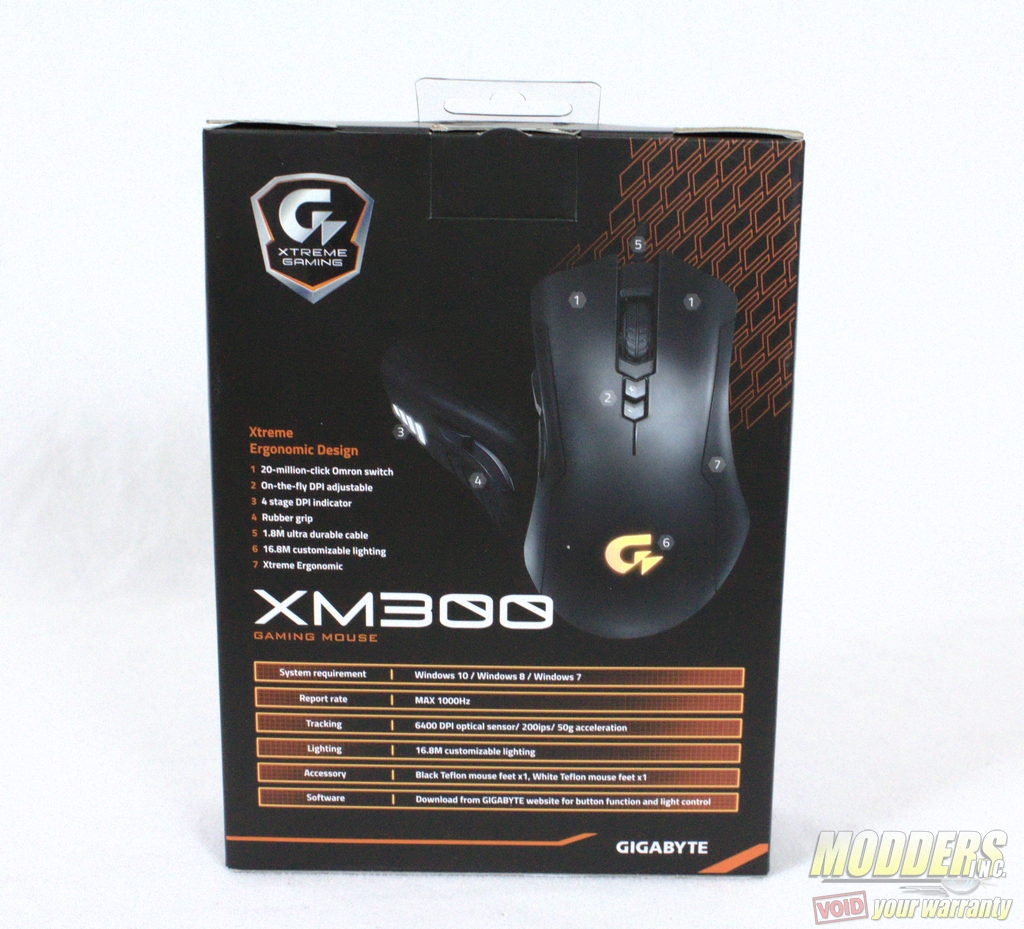
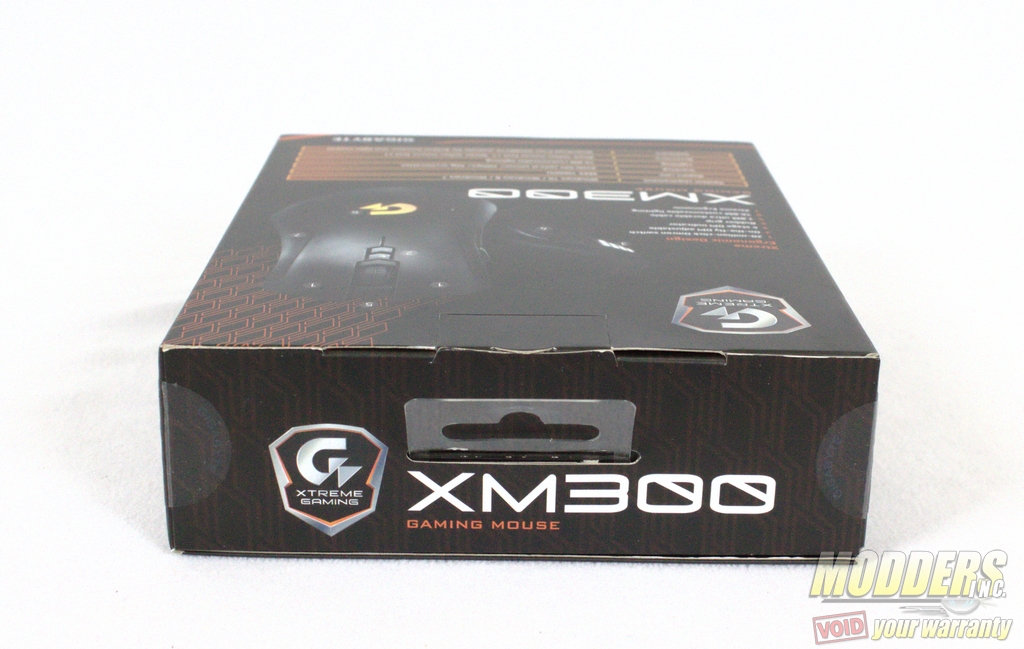
Upon opening the box, there is no manual just the Gigabyte XM300 and replacement Teflon feet. This is pretty sparse for packaging and preferable for those who are environmentally conscious or are minimalists. Why waste resources on a software/drive CD and manual when those are available online?