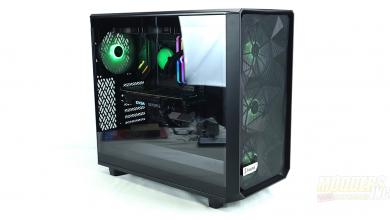
Be Quiet Silent Base 800 Computer Case Review
Hardware Installation
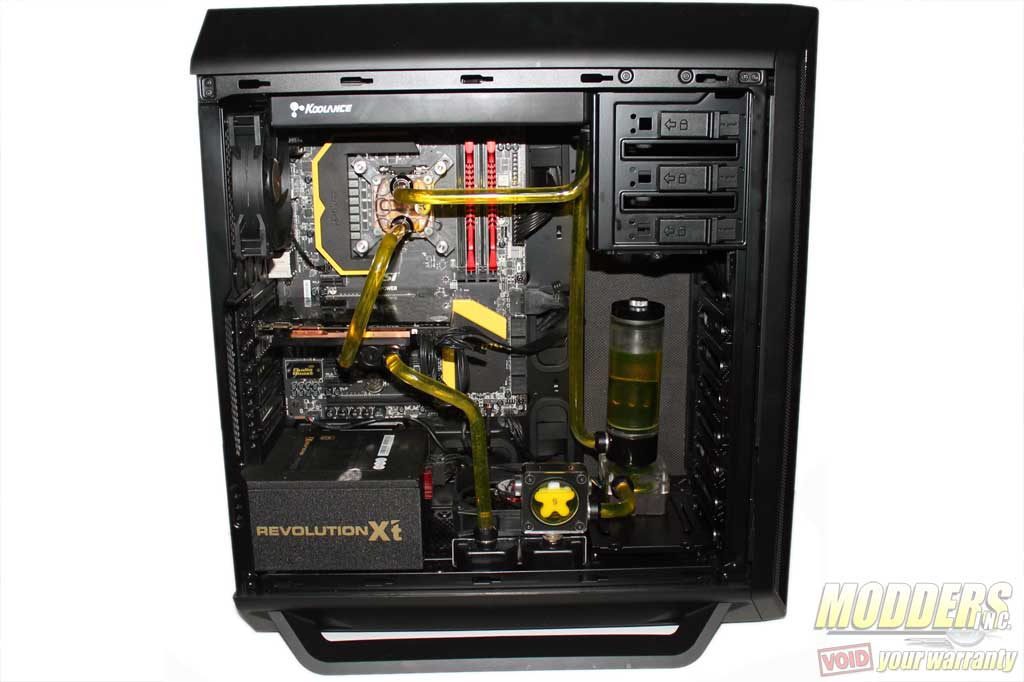
For the hardware installation, I decided to go with a full-blown liquid cooling system utilizing a 240mm as well as a 120mm radiator with hard line tubing. First thing I noticed was that you can’t mount radiators any thicker than 30mm in the top or bottom. Second, short of drilling out all the mounts for the front fans or drilling out the rivets that hold the HDD cages, there is no way to install a radiator at the front. There is also a lack of a dedicated pump/reservoir mount so you will have to get creative.
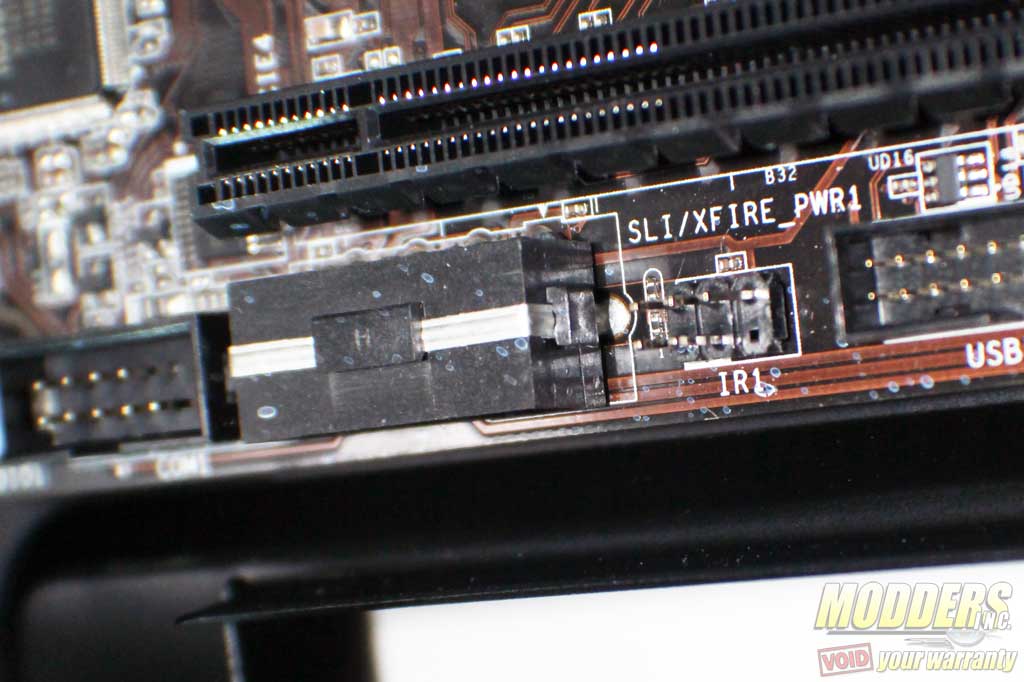
Another thing I ran into was a compatibility problem regarding ATX boards that have power connections located at the bottom of the board as the cut out for the PSU is in the way.
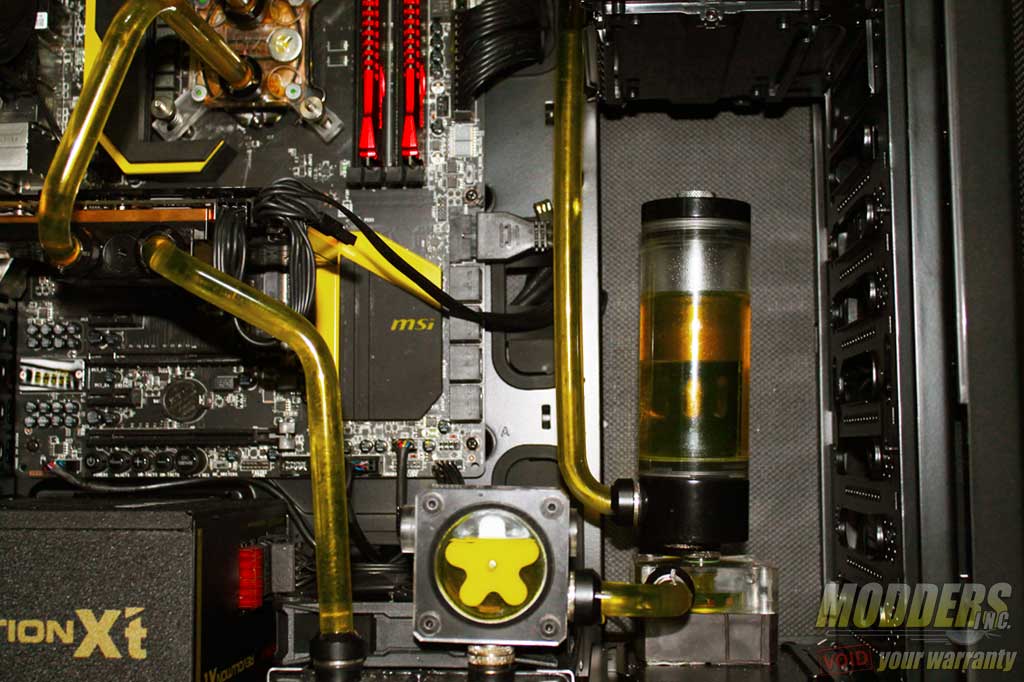
There is plenty of room between the PSU connections and the radiator mount located at the bottom of the case.
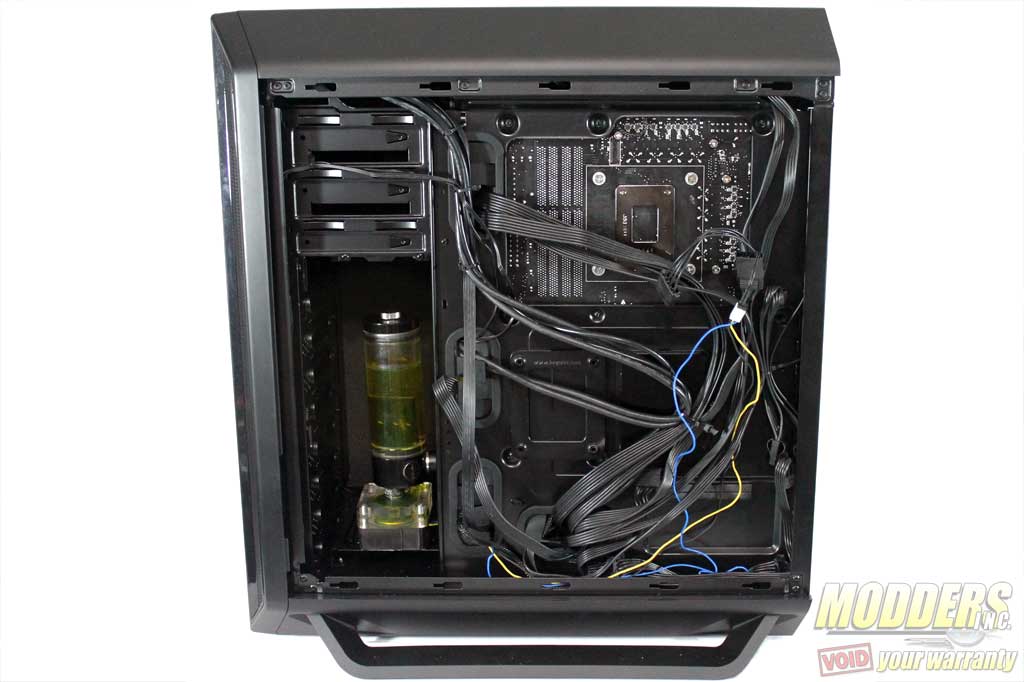
The rear has ample space for cable management. However due the amount of space provided I would not recommend add the optional 120mm fan on the side panel. It would most likely get in the way of some of the cables. The lack of tie downs for both the CPU power cable and the SSD Mounts.