Gigabyte X299 AORUS Ultra Gaming Motherboard Review
 When you are paying top dollar for parts in building a high-end desktop, the last thing you should be worrying about is whether you are compromising on some features. That is understandable when building a mainstream desktop, but on a high-end system, wanting to have everything is perfectly acceptable. Most motherboards these days look pretty good so you won’t have to compromise in terms of aesthetic. However, a closer look is required if you need to find out if it lives up to expectations.
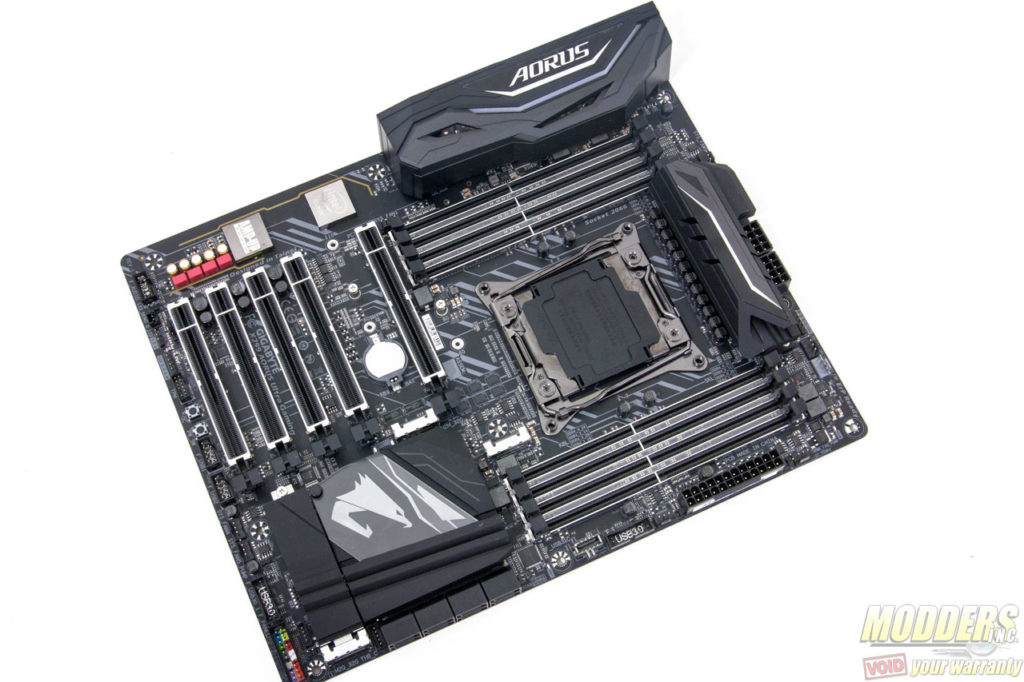
The AORUS X299 Ultra Gaming is a premium product from Gigabyte’s high-end brand. Value and feature-wise, it is slated in between the X299 Gaming 3 and the X299 Gaming 7. For some reason it is not called the “X299 AORUS Gaming 5″, perhaps because it is too close to the Gaming 7 feature-wise, mainly just missing the extra Killer Gigabit LAN, the ES9018Q2C chip for audio and has less USB 3.1 Gen 2 ports.
[sc:sponsor sponsor=”Gigabyte” product_link=”http://www.gigabyte.us/Motherboard/X299-AORUS-Ultra-Gaming-rev-10#kf” product_name=”X299 AORUS Ultra Gaming” product_price=”$339.99″ ]Packaging
The X299 AORUS Ultra Gaming motherboard sports a black box with an orange accent with the Aorus logo front and center in the middle although a small Gigabyte is also present on the side familiar to most. All the promotional information are in the rear outlining some of the motherboard’s unique features including RGB Fusion and more.
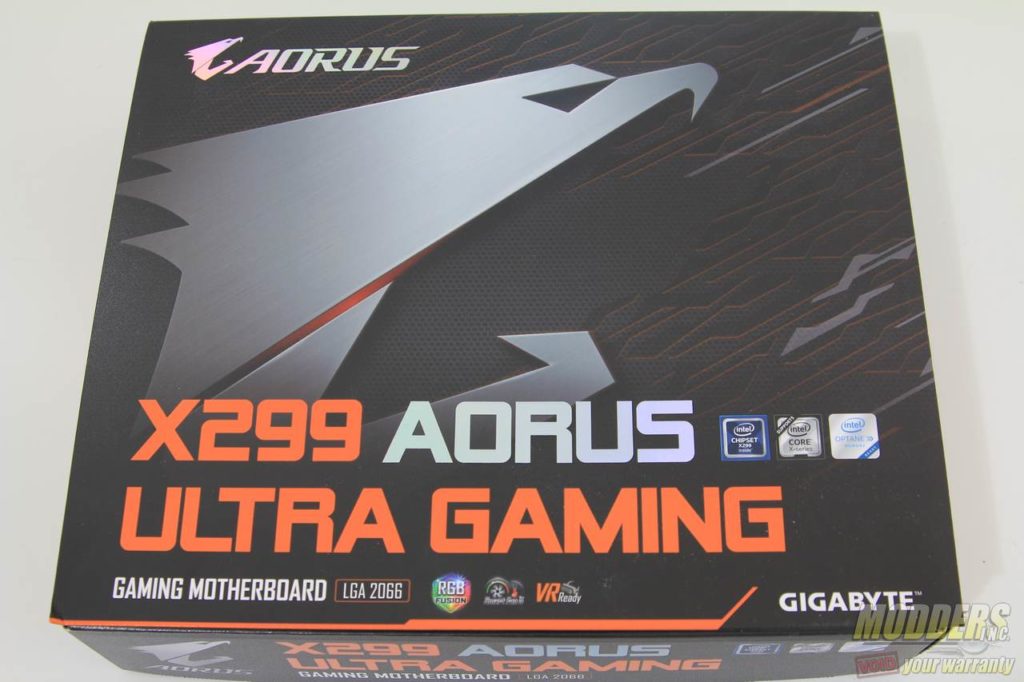
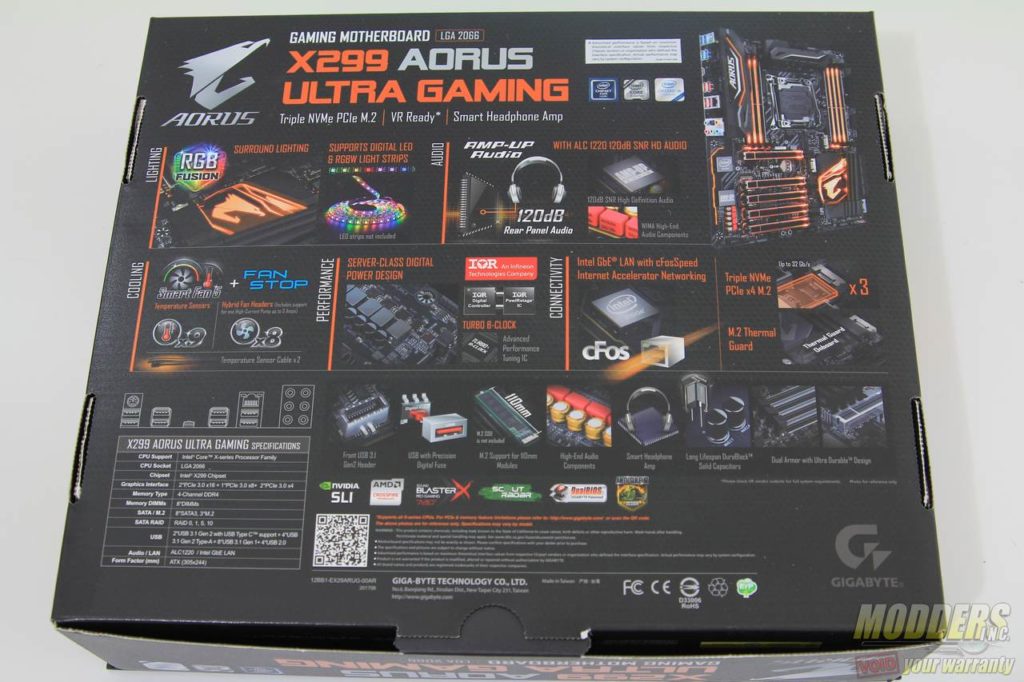
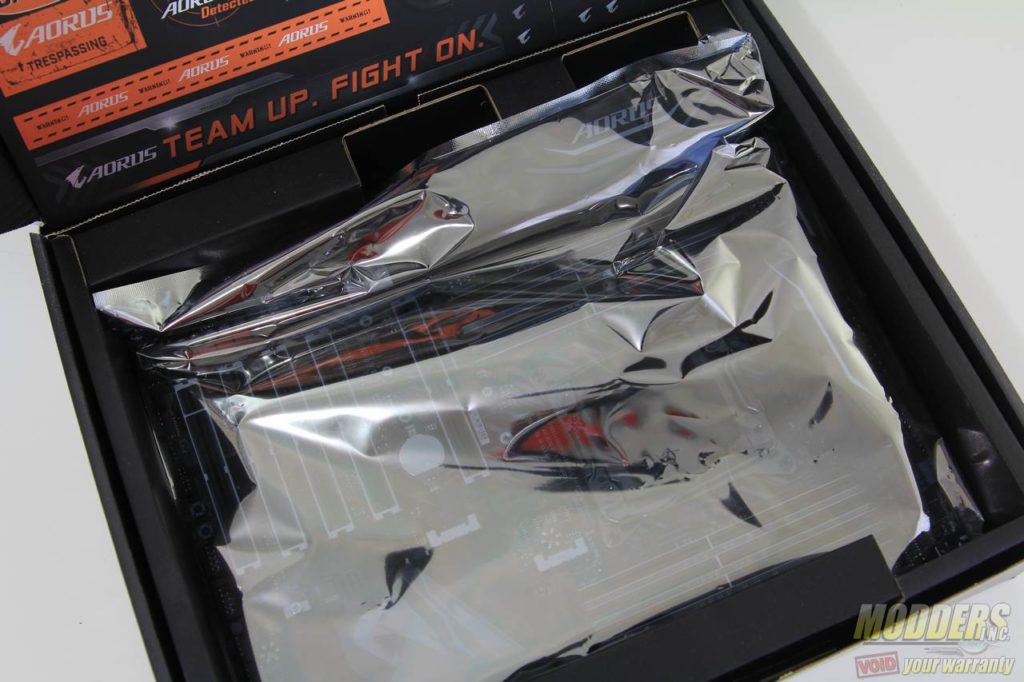
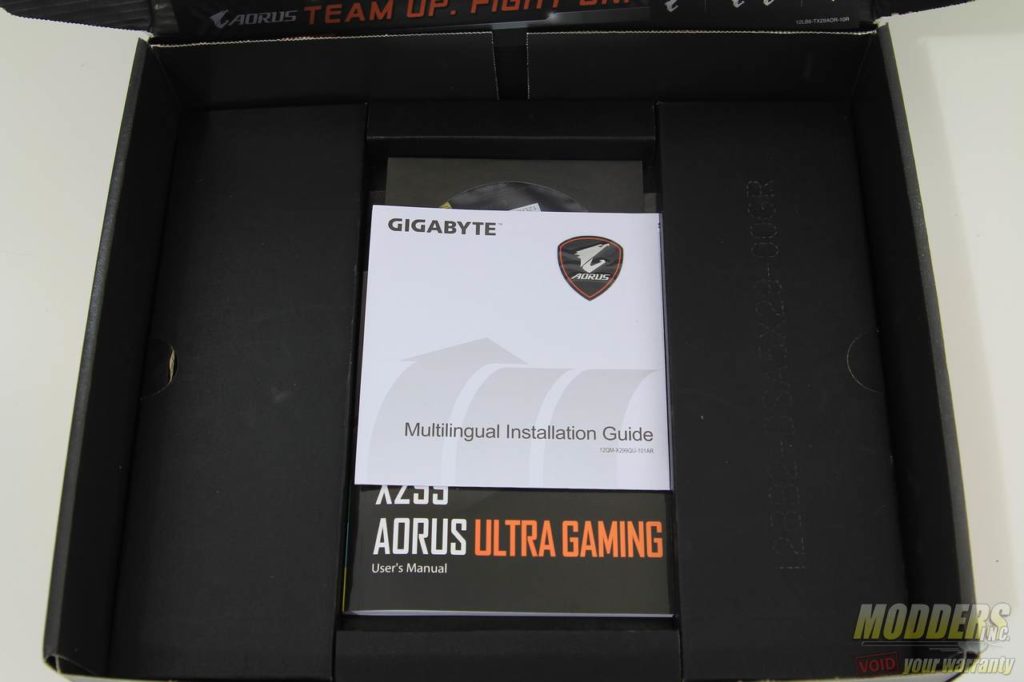
The contents inside the box are stored in two compartments. The top area contains the motherboard housed inside an anti-static bag while underneath all the accessories are individually packed and stored.
Bundled Accessories
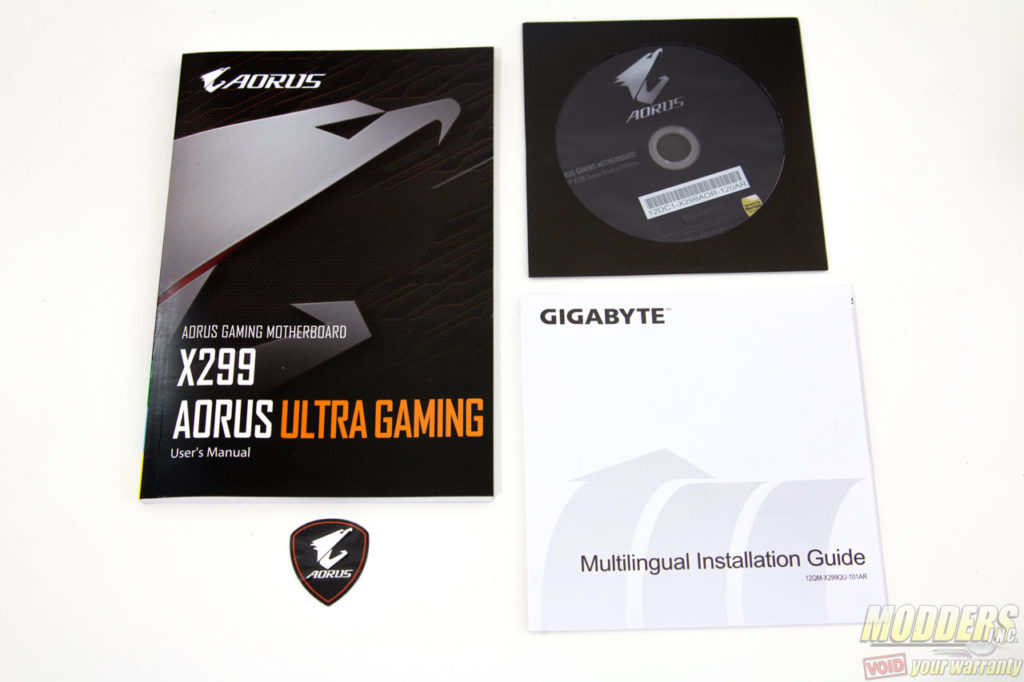
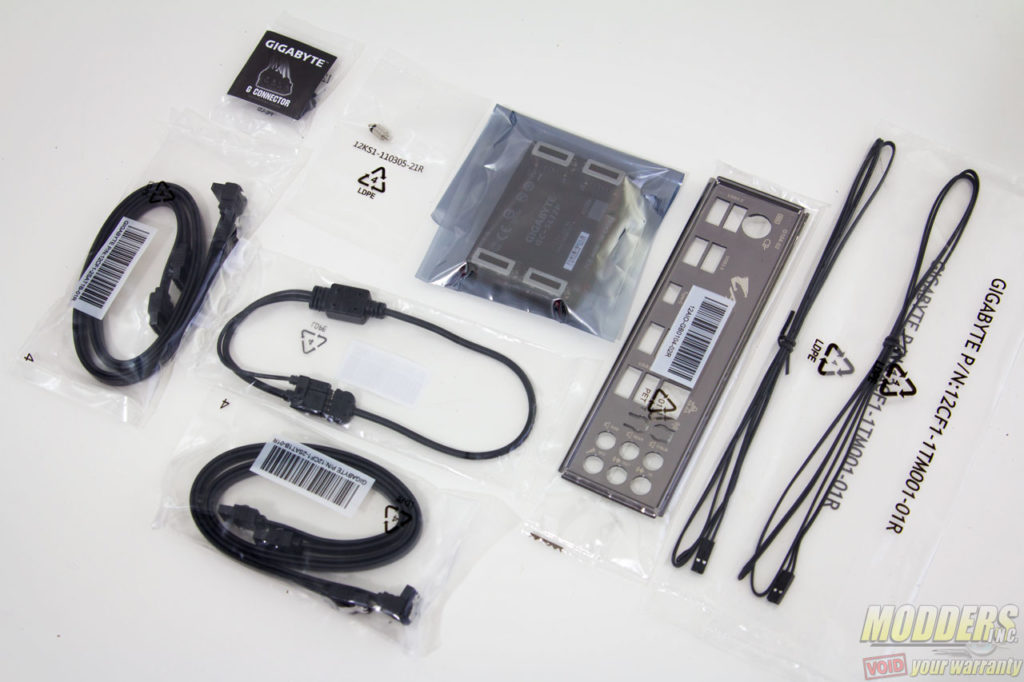
The accessories include the driver disc, a quick installation guide, the user’s manual booklet, a case badge, the Q-connector for the front panel, SATA cables, IO shield, high-bandwidth SLI cable, RGBW extension cable and two temperature probes.
Form Factor and Chipset
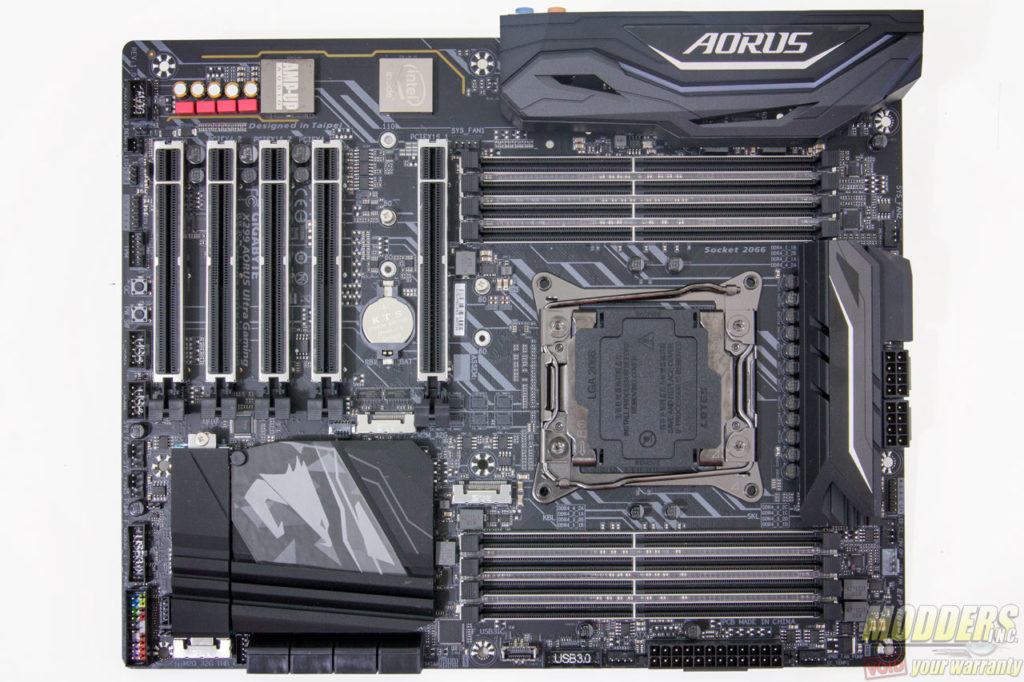
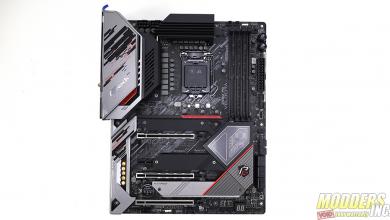
The X299 AORUS Ultra Gaming motherboard uses an ATX form factor measuring 305 x 244mm with a matte black 8-layer PCB and matte black heatsinks. The DIMM and PCI-E x16 slots are also equipped with a shiny “armor” reinforcement and even the CPU socket is dark nickel plated so it genuinely looks like a premium product.